

Git Worktree Command•Step #6
git worktree unlock: Unlock a Git Worktree
The git worktree unlock command removes the protective lock flag from a linked worktree, enabling it to be moved, removed, or cleaned up by administrative pruning.
Basic Syntax
Terminal
# Unlock a worktree by relative path or directory name
$git worktree unlock <worktree>
Example:
Terminal
# Removes the lock on perf-benchmarks
$git worktree unlock ../perf-benchmarks
📁
Normal Worktree
Pruneable if directory is temporarily unreachable
git worktree lock →← git worktree unlock
🔒
Locked Worktree
Safe on external SSDs, USB drives, or persistent build caches
What Changes When You Unlock a Worktree?
When a worktree is unlocked:
- You can now run git worktree remove without requiring force flags.
- You can move the worktree directory with git worktree move.
- If the folder is deleted manually from your drive, git worktree prune will clean up its orphaned administrative metadata.
Verifying Worktree State
Inspect git worktree list to confirm the lock annotation has been removed:
git worktree list (now unlocked)
/home/developer/projects/my-app          9a8b7c6 [main]
/home/developer/projects/perf-benchmarks 1d2e3f4 [perf/bench]
WorktreeWise
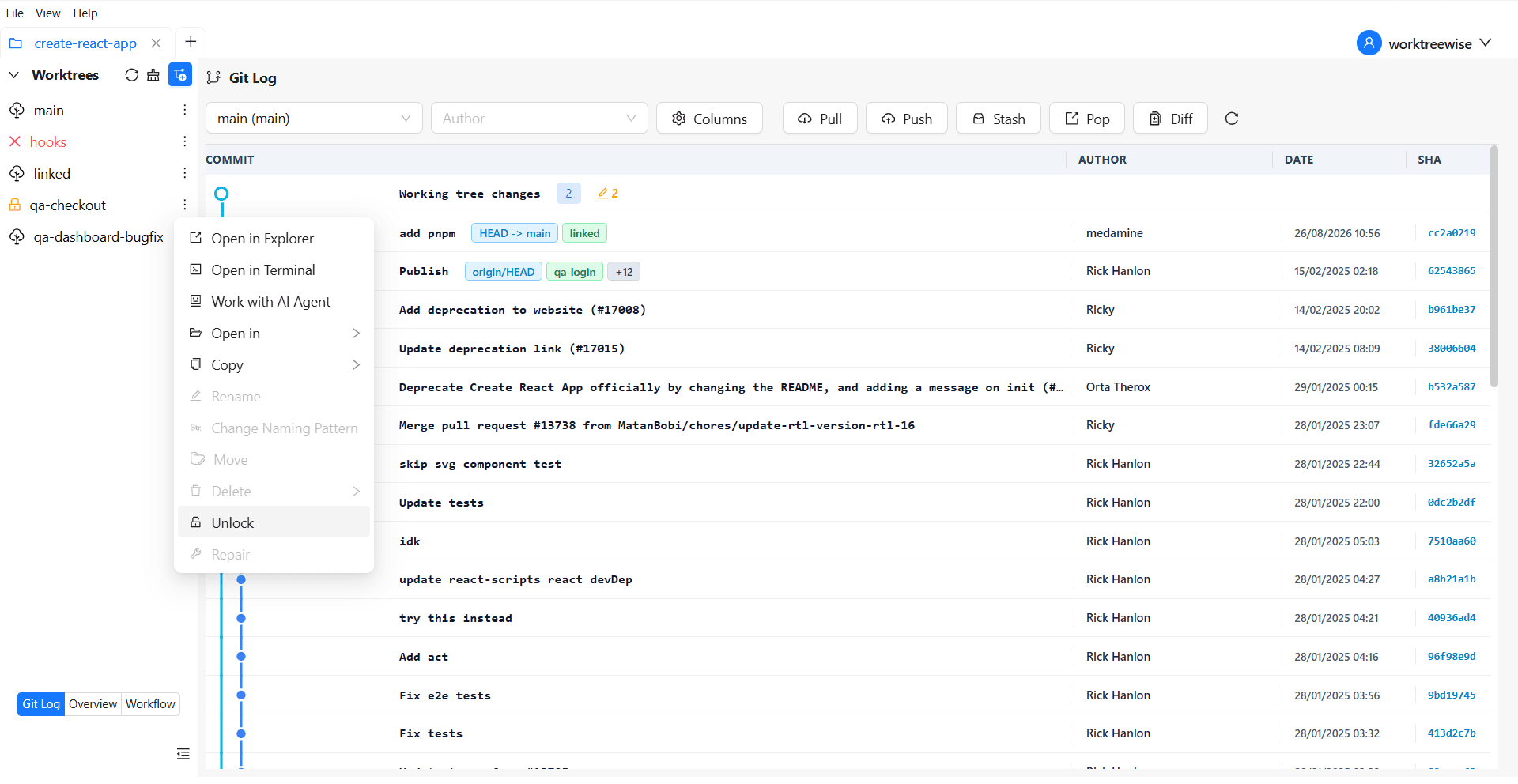
Try FreeUnlock Worktree
In WorktreeWise, unlocking is as simple as clicking the padlock icon. The app displays real-time lock indicators and protects your critical worktrees with visual confirmation modals.
Related commands
After unlocking, you can safely remove the temporary directory using git worktree remove or prune obsolete records with git worktree prune.