

git worktree move: Move a Git Worktree Safely
The git worktree move command relocates a linked worktree directory to a new path while automatically updating the bi-directional Git administrative pointers.
Basic Syntax
For example, to organize a loose worktree into a structured features/ folder:
projects/
├── project/
└── project-feature-auth/
projects/
├── project/
└── features/
    └── auth/
Why you should not use standard 'mv' or Finder
Linked worktrees rely on two synchronized pointers:
- The
.gittext file inside the worktree folder points to the primary repo's.git/worktrees/<id>. - The
gitdirfile inside.git/worktrees/<id>points back to the worktree's physical directory.
If you move the folder manually with mv or your desktop file explorer, pointer #2 is severed. Git will lose track of the worktree and mark it as missing.
Accidentally moved a folder manually?
Move Rules & Restrictions
- Primary worktree cannot be moved with this command:
git worktree moveonly works on linked worktrees. - Locked worktrees: A locked worktree cannot be moved unless you pass
--forceor unlock it first via git worktree unlock. - Destination must not exist: The new path target must not already exist as a folder or file.
Move Worktree
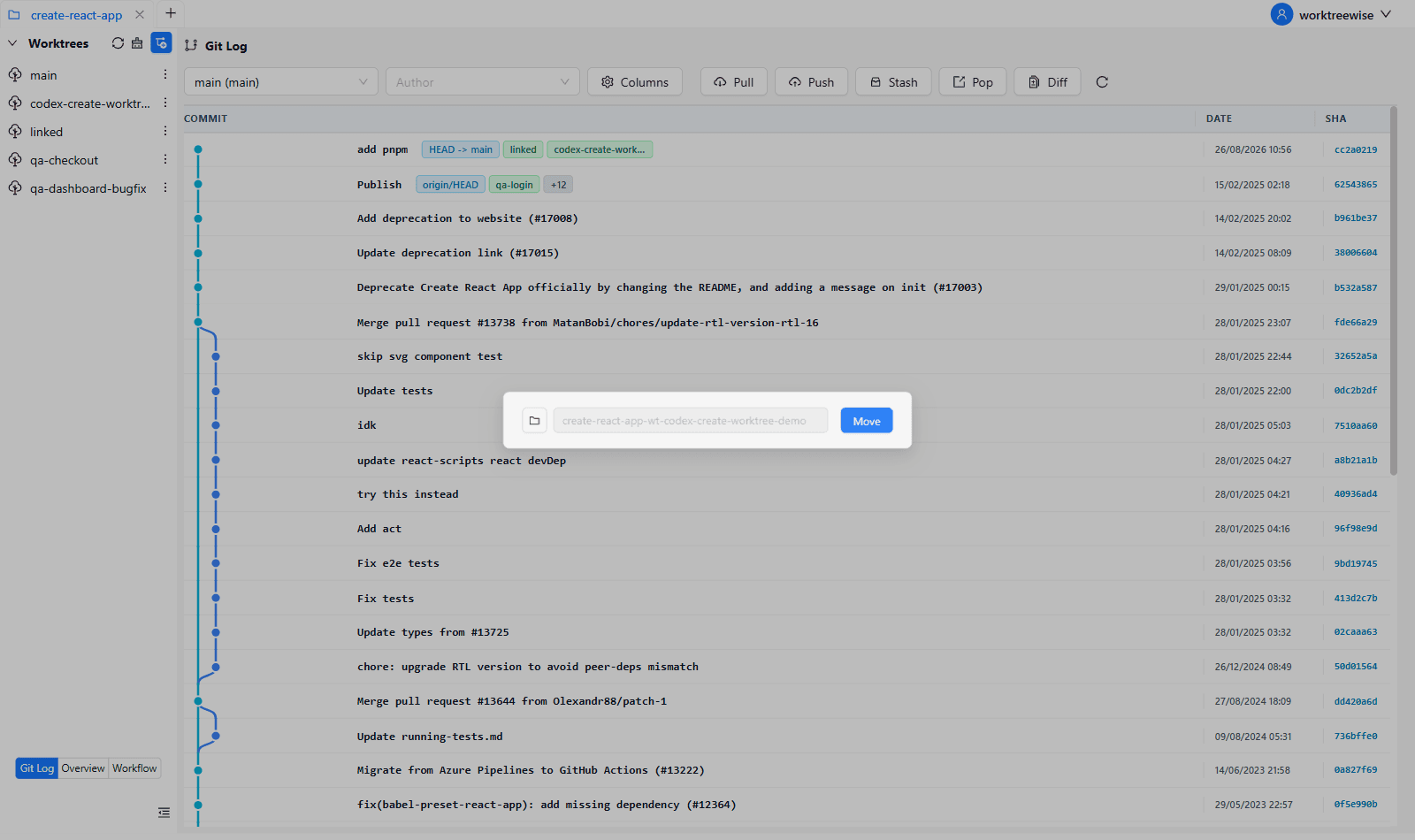
WorktreeWise allows you to rename or relocate any worktree instantly from the UI without typing terminal paths. All underlying Git metadata links and IDE configurations are updated automatically.
Related commands
To prevent automatic cleanup from removing a worktree located on an external drive or pending reorganization, use git worktree lock. If a move has severed administrative links, run git worktree repair.