

git worktree lock: Protect a Git Worktree from Pruning
The git worktree lock command marks a worktree as locked, preventing it from being accidentally deleted by automated cleanup routines or pruned by git worktree prune.
Basic Syntax & Lock Reason
You can also annotate the lock with an explanatory message using --reason:
Pruneable if directory is temporarily unreachable
Safe on external SSDs, USB drives, or persistent build caches
When Should You Lock a Git Worktree?
1. Removable & External Media
If your worktree folder is located on a portable SSD, flash drive, or network share that gets disconnected, Git might consider it "missing" and prune its administrative records during automatic garbage collection. Locking protects it while unmounted.
2. Long-Running Workflows
If you have persistent build caches, background tests, or Docker volumes mounted into a worktree, locking guarantees team members or automated cleanup scripts won't accidentally delete the working tree.
Inspecting Locked State
Running git worktree list displays the locked badge and reason:
/home/developer/projects/my-app          9a8b7c6 [main]
/home/developer/projects/perf-benchmarks 1d2e3f4 [perf/bench] (locked: "Stored on external SSD during benchmark testing")
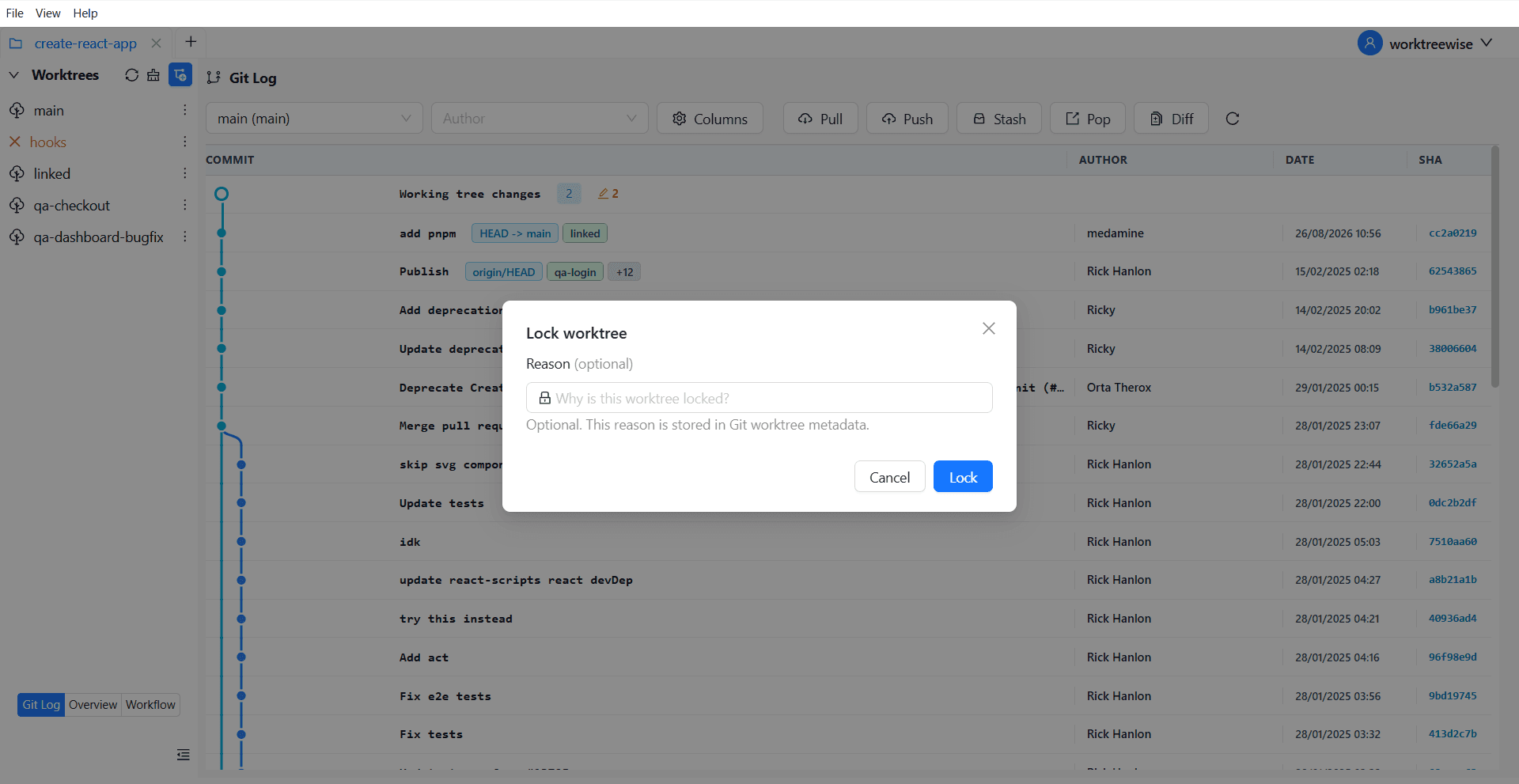
Lock Worktree
WorktreeWise lets you toggle lock protection with a single switch on any worktree card. You can attach custom lock reasons and visually distinguish protected worktrees at a glance.
Related commands
When you are ready to resume normal operations or clean up the directory, release the lock using git worktree unlock.