

Yarn with worktrees
TL;DR: The 30-Second Summary
Yarn Modern (v3/v4) with Plug'n'Play or global cache sharing provides instant worktree onboarding. Use `yarn install --immutable` to guarantee lockfile reproducibility.
The Real-Life Scenario
“A team using Yarn Berry creates a worktree. Because the project uses Zero-Installs (`.yarn/cache`), opening the worktree requires ZERO seconds of install time—it is immediately ready to run.”
Yarn Modern (Berry) was designed with enterprise monorepos and branch switching in mind. By combining Yarn's global cache or Zero-Installs with Git worktrees, you eliminate package installation friction entirely.
Lockfile Drift in Multi-Worktree Yarn Environments
Running standard `yarn install` can mutate `yarn.lock` if the registry has newer compatible versions.
What you see in the terminal:
YN0028: The lockfile would have been modified by this install, which is explicitly forbidden.Under the Hood: Git Plumbing & Architecture
Yarn's `--immutable` flag ensures that the installation fails if `yarn.lock` needs modifications, guaranteeing branch integrity.
Quick Command Recipes
Copy and adapt these commands directly in your terminal:
Immutable install in worktree
Installs packages strictly matching `yarn.lock` without modifications.
yarn install --immutableCheck Yarn cache folder
Confirms whether Yarn is reusing a shared global cache.
yarn config get enableGlobalCacheStep-by-Step Practical Walkthrough
Follow these verified steps to safely resolve the issue and guarantee that your filesystem and Git references are in sync.
Create worktree
Spawn the directory.
git worktree add ../yarn-task -b feat/yarn mainRun immutable install
Link dependencies from the shared cache.
cd ../yarn-task && yarn install --immutableStart development
Run application instantly.
yarn devEdge Cases & Advanced Scenarios
Yarn PnP with VS Code
Run `yarn dlx @yarnpkg/sdks vscode` in the worktree if TypeScript definitions don't resolve automatically in your editor.
Common Mistakes to Avoid
❌ Mistake: Committing large uncompressed `.yarn/cache` without git-lfs
Why it causes trouble: Inflates Git repository size over time.
What to do instead: Use Yarn global cache if Zero-Installs repository size is an issue.
Verification Checklist
- ✓`yarn.lock` is unchanged
- ✓Application starts without module resolution errors
Senior Engineering Tips
- ★Enable `enableGlobalCache: true` in `.yarnrc.yml` to share one central package cache across all Git worktrees.
Key Takeaways
- 01.Use `yarn install --immutable` in worktrees.
- 02.Yarn's global cache allows near-instant dependency resolution across worktrees.
How WorktreeWise Solves This Visually
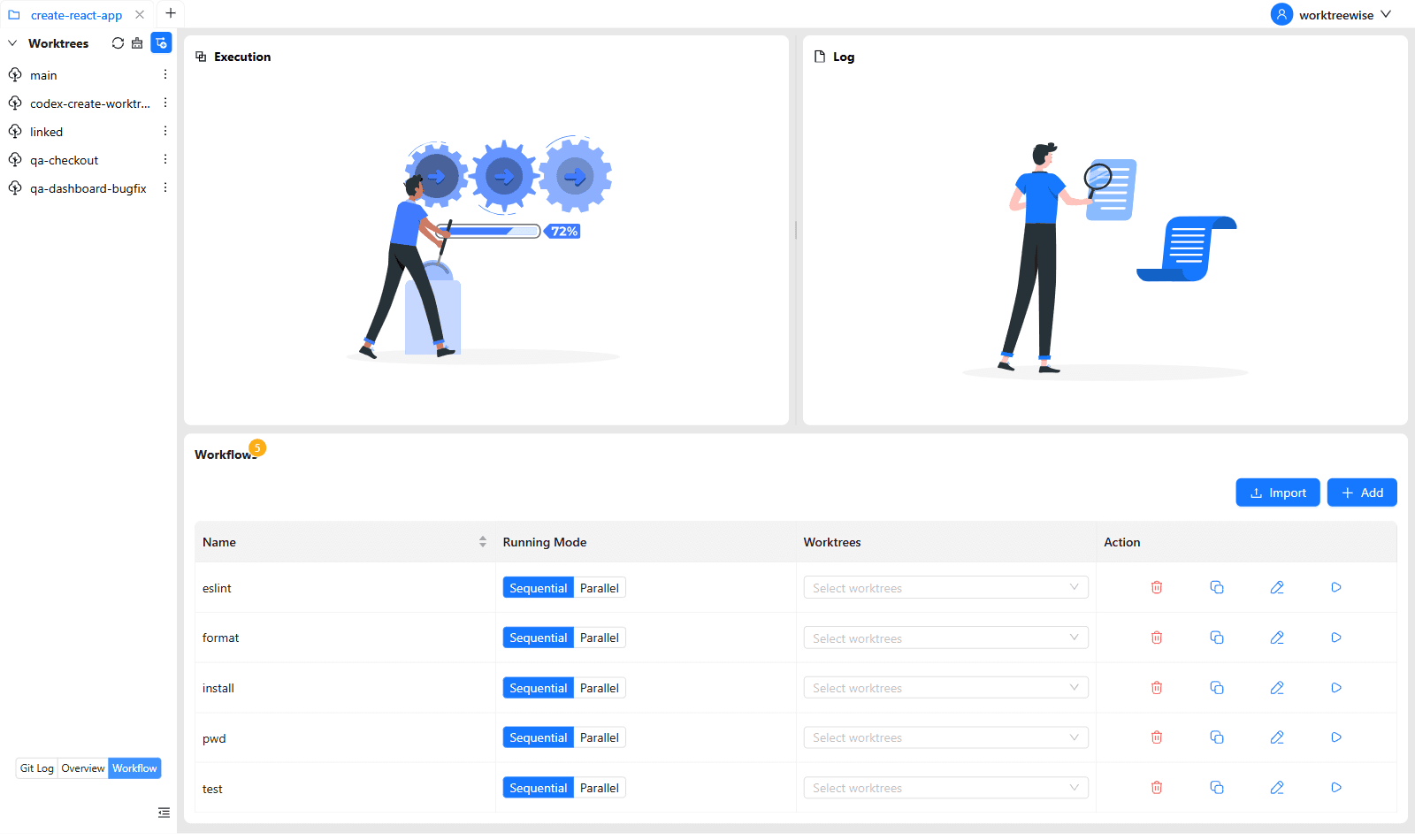
WorktreeWise eliminates the manual friction and mental overhead of CLI flags. It displays real-time branch states, uncommitted modifications, active terminals, and lock statuses across all worktrees on a single visual dashboard.
WorktreeWise Engineering Publication
Written and curated by the core WorktreeWise team. We build developer tools that turn Git worktrees, workflows, and parallel AI coding agents into second nature.