

Docker with worktrees
TL;DR: The 30-Second Summary
Running Docker commands across multiple worktrees causes container name collisions and host port conflicts. Parameterize container names and host port mappings using worktree branch identifiers (e.g. `app-${WORKTREE_NAME}`).
The Real-Life Scenario
“Lucas builds a Docker container in his main repo named `web-app`. In his feature worktree, he runs `docker run -d --name web-app -p 8080:80 web-app`. Docker rejects the command: `The container name '/web-app' is already in use`.”
Docker and Git worktrees are a natural match for full-stack engineering. However, Docker maintains a global container and network namespace on the host engine. Without proper naming conventions, parallel containers will fight over identical names and port forwards.
The Shared Docker Daemon Namespace
Docker container names, volume names, and host port bindings must be globally unique across the entire Docker daemon.
What you see in the terminal:
docker: Error response from daemon: Conflict. The container name "/web-app" is already in use by container "3d4a11b...".Under the Hood: Git Plumbing & Architecture
Docker's daemon enforces unique constraints on container names and host port bindings (`0.0.0.0:8080`). To run multiple containers concurrently, both the name and the host port mapping must be distinct.
Quick Command Recipes
Copy and adapt these commands directly in your terminal:
Build with worktree-specific tag
Tags the Docker image with the worktree branch name.
docker build -t app-feat-auth .Run with unique name and port
Maps host port 8081 to container port 80 to prevent collision with port 8080.
docker run -d --name app-feat-auth -p 8081:80 app-feat-authStep-by-Step Practical Walkthrough
Follow these verified steps to safely resolve the issue and guarantee that your filesystem and Git references are in sync.
Define worktree identifier
Use the worktree folder name as a unique suffix.
Build container image with tag
Create an isolated image tag.
docker build -t myapp:feat-auth .Launch with dynamic name and port
Starts without naming or port collision.
docker run --name myapp-feat-auth -p 8081:3000 myapp:feat-authEdge Cases & Advanced Scenarios
Mounting worktree directories as volumes
When using `-v $(pwd):/app`, ensure file permissions and file watching (inotify) function properly across worktree paths.
Common Mistakes to Avoid
❌ Mistake: Hardcoding container names in Dockerfile or npm scripts
Why it causes trouble: Guarantees collisions whenever a second worktree runs the script.
What to do instead: Use environment variables like `${CONTAINER_NAME:-app}`.
Verification Checklist
- ✓`docker ps` shows distinct container names running on separate host ports
- ✓Logs from one container do not intermingle with another
Senior Engineering Tips
- ★In WorktreeWise, configure Docker run workflows with variables like `${worktree.name}` and `${worktree.port}`.
Key Takeaways
- 01.Docker container names and host ports must be unique.
- 02.Tag images and name containers using the worktree name.
- 03.Offset host ports to enable simultaneous testing.
How WorktreeWise Solves This Visually
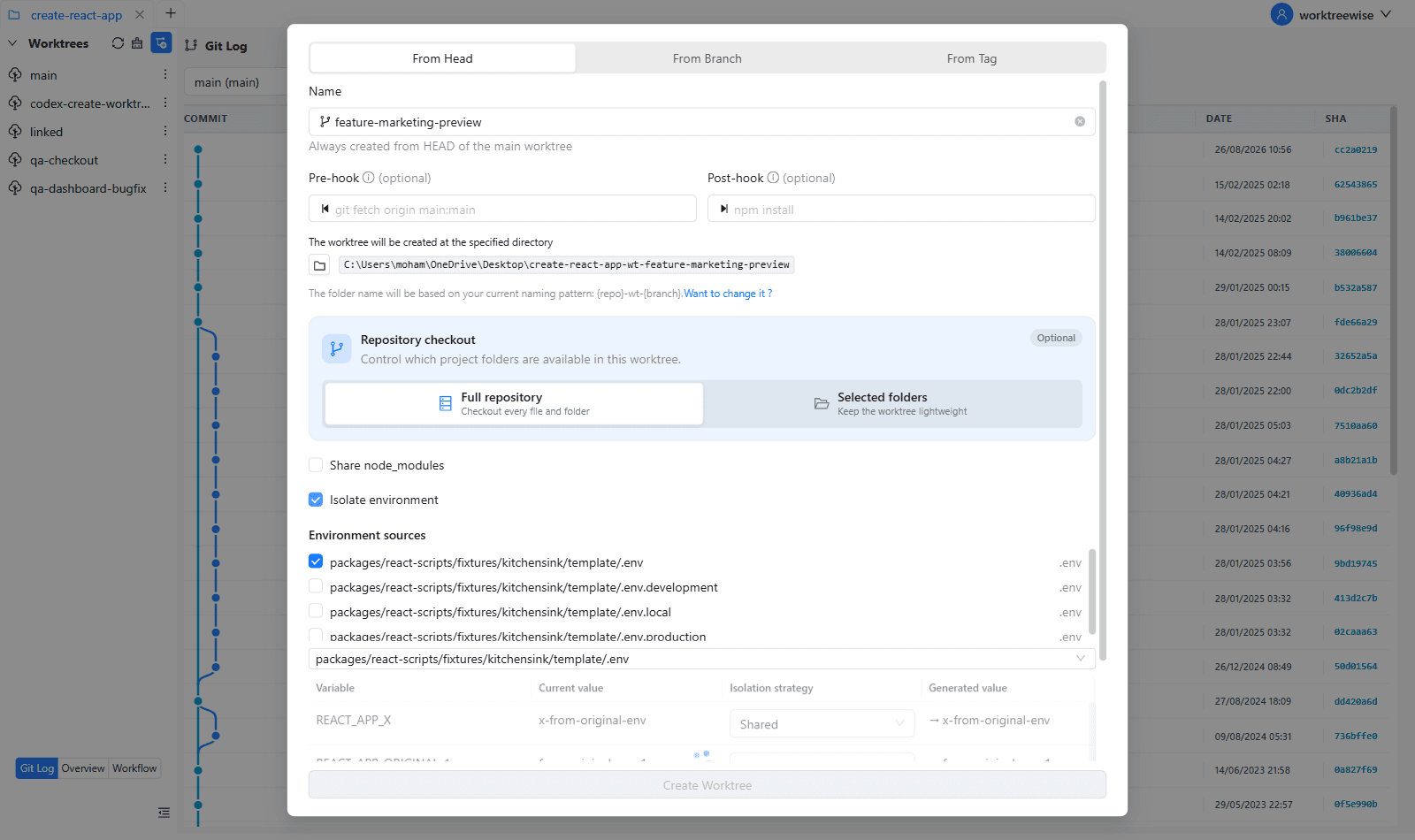
WorktreeWise eliminates the manual friction and mental overhead of CLI flags. It displays real-time branch states, uncommitted modifications, active terminals, and lock statuses across all worktrees on a single visual dashboard.
WorktreeWise Engineering Publication
Written and curated by the core WorktreeWise team. We build developer tools that turn Git worktrees, workflows, and parallel AI coding agents into second nature.