

Worktrees vs multiple clones
TL;DR: The 30-Second Summary
Keeping 4 or 5 separate clones of a large repository consumes massive disk storage and requires tedious manual git fetches in every directory. Git worktrees share a single object store, making fetches universal and reducing disk usage by up to 80%.
The Real-Life Scenario
“An engineer maintains 5 clones of a 4GB monorepo (`project-main`, `project-review`, `project-feature`, etc.). His 512GB SSD is running out of space, and he has to run `git fetch` 5 separate times every morning.”
Many senior engineers who discovered the benefits of parallel directories adopted multiple clones years ago before worktrees matured. Today, Git worktrees provide all the concurrency of multiple clones with none of the disk waste.
The Multiple Clone Tax
5 clones of a 4GB repo = 20GB of disk space. Each clone has its own `.git/objects`, its own ref database, and its own remote tracking branches that must be fetched independently.
What you see in the terminal:
5 clones x 4GB = 20GB storage wasted
5 x git fetch origin = 5x network bandwidth and timeUnder the Hood: Git Plumbing & Architecture
When you run `git fetch` in any worktree, the downloaded commit objects are written to the shared `.git/objects/` store. That means ALL other worktrees see the new commits immediately!
Quick Command Recipes
Copy and adapt these commands directly in your terminal:
Fetch once, available everywhere
Updates remote references across all linked worktrees simultaneously.
git fetch originConvert clone habit to worktrees
Replaces `git clone` with an instantaneous worktree.
git worktree add ../wt-feature feature-branchStep-by-Step Practical Walkthrough
Follow these verified steps to safely resolve the issue and guarantee that your filesystem and Git references are in sync.
Audit existing clones
Check how much disk space your multiple clones are consuming.
du -sh ~/projects/my-repo-*Consolidate into 1 primary repository
Choose your primary clone as the hub.
Create worktrees for active features
Create lightweight worktrees instead of full clones.
git worktree add ../feat-billing feat/billingSafely delete redundant clones
Reclaim tens of gigabytes of disk space.
Comparative Feature Matrix
| Metric | Multiple Clones | Git Worktrees |
|---|---|---|
| Disk Consumption | Multiplied by N (5 clones = 5x) | 1x history + working trees (~80% savings) |
| Fetch Overhead | Must fetch in each clone | Fetch once, updated everywhere |
| Stashes | Siloed per clone | Shared globally |
| Branch Safety | Can accidentally push conflicting edits | Git enforces single-checkout protection |
Edge Cases & Advanced Scenarios
Corrupted primary repository
Because worktrees share the primary `.git` folder, if the primary repo is deleted, worktrees lose their object store. Keep the primary repo in a stable location.
Common Mistakes to Avoid
❌ Mistake: Deleting the primary repository directory while secondary worktrees are active
Why it causes trouble: Worktrees break because the shared `.git` folder disappeared.
What to do instead: Always maintain your primary repository as the permanent home.
Verification Checklist
- ✓Disk space is reclaimed
- ✓`git fetch` in one directory updates remote branches across all worktrees
Senior Engineering Tips
- ★Use WorktreeWise to view all your worktrees in a single clean UI, eliminating the need to organize dozens of clone folders on disk.
Key Takeaways
- 01.Worktrees replace multiple clones completely.
- 02.Fetch once, update everywhere.
- 03.Save tens of gigabytes of disk space.
How WorktreeWise Solves This Visually
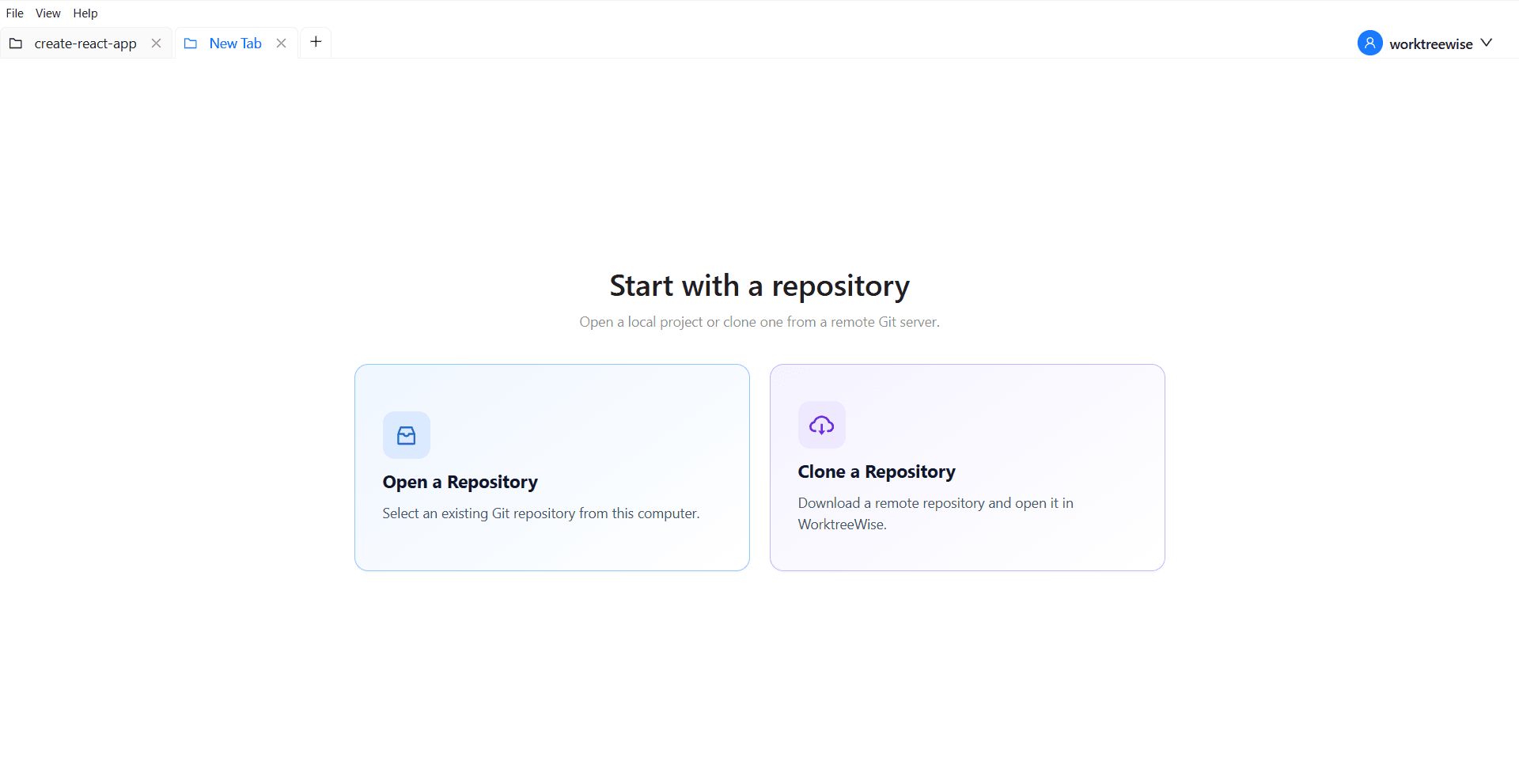
WorktreeWise eliminates the manual friction and mental overhead of CLI flags. It displays real-time branch states, uncommitted modifications, active terminals, and lock statuses across all worktrees on a single visual dashboard.
WorktreeWise Engineering Publication
Written and curated by the core WorktreeWise team. We build developer tools that turn Git worktrees, workflows, and parallel AI coding agents into second nature.