

Worktree vs clone
TL;DR: The 30-Second Summary
Git Worktrees and Git Clones both provide separate directories on disk. However, worktrees share the local object database, create instantly, save gigabytes of storage, share stashes, and prevent duplicate branch checkouts. Use worktrees for daily parallel feature work; use clones only when you need completely isolated remotes or independent credentials.
The Real-Life Scenario
“Jordan needs to test a customer bug on `release/2.4`. In the past, he ran `git clone` into a new folder, waiting 4 minutes to download the 3GB repository. With `git worktree add`, the new directory was ready in 0.2 seconds.”
Every developer eventually needs to have two branches open at the exact same time. Historically, the instinctive solution was to clone the repository again into another folder. While that works, Git worktrees are built natively into Git to make parallel checkouts instant and lightweight.
The Massive Waste of Duplicate Clones
When you run `git clone`, Git downloads and stores the entire commit history, all packfiles, and every branch ref. Clones duplicate all of this data needlessly.
What you see in the terminal:
$ git clone https://github.com/my-org/core-platform clone-2
Cloning into 'clone-2'...
Receiving objects: 100% (612,419/612,419), 3.84 GiB | done. (Took 3m 40s)Under the Hood: Git Plumbing & Architecture
Worktrees share `.git/objects/`. A worktree contains only the checked-out source files for that branch, linking back to the primary `.git/` directory via a lightweight text file.
Quick Command Recipes
Copy and adapt these commands directly in your terminal:
Create instant linked worktree
Opens a secondary checkout of the branch in under 1 second.
git worktree add ../feature-branch feature-branchInspect shared object database
Outputs the shared `.git` folder used by all linked worktrees.
git rev-parse --git-common-dirStep-by-Step Practical Walkthrough
Follow these verified steps to safely resolve the issue and guarantee that your filesystem and Git references are in sync.
Identify when to use a worktree
Choose a worktree whenever you are working on the same remote repository and want simultaneous checkouts without duplicate downloads.
Create worktree
Instantaneous creation.
git worktree add ../hotfix -b fix/auth-bug mainWork simultaneously
Run dev servers, edit code, and commit without affecting your primary checkout.
Comparative Feature Matrix
| Metric / Feature | Git Worktree | Git Clone |
|---|---|---|
| Creation Speed | < 1 second | Minutes (depends on repo size and network) |
| Disk Usage | Only working tree files | Full history + working tree (Gigabytes) |
| Object Sharing | Shared locally | Completely isolated (requires push/pull) |
| Stashes | Shared globally across worktrees | Local to that specific clone |
| Branch Collision Safety | Guaranteed (cannot double-checkout) | None (can cause push/rebase conflicts) |
| Offline Setup | 100% offline (no internet needed) | Requires remote network connection |
Edge Cases & Advanced Scenarios
Completely untrusted third-party scripts
If running untrusted code that might tamper with `.git/`, a separate clone or virtual machine provides an extra boundary.
Common Mistakes to Avoid
❌ Mistake: Keeping 5 clones of a 5GB repo on a development laptop
Why it causes trouble: Consumes 25GB of SSD storage and requires 5 separate `git fetch` runs.
What to do instead: Use 1 primary repo and 4 lightweight worktrees.
Verification Checklist
- ✓Worktree creates in under 1 second without network traffic
- ✓Commits in the worktree are visible in the main repo immediately
Senior Engineering Tips
- ★WorktreeWise lets you view and manage all active worktrees from a single visual hub, making worktrees far easier to use than juggling multiple terminal windows.
Key Takeaways
- 01.Worktrees are 10x faster and use 80% less disk than clones.
- 02.All Git objects, stashes, and remotes are shared locally.
- 03.Worktrees prevent accidental double-checkouts of the same branch.
How WorktreeWise Solves This Visually
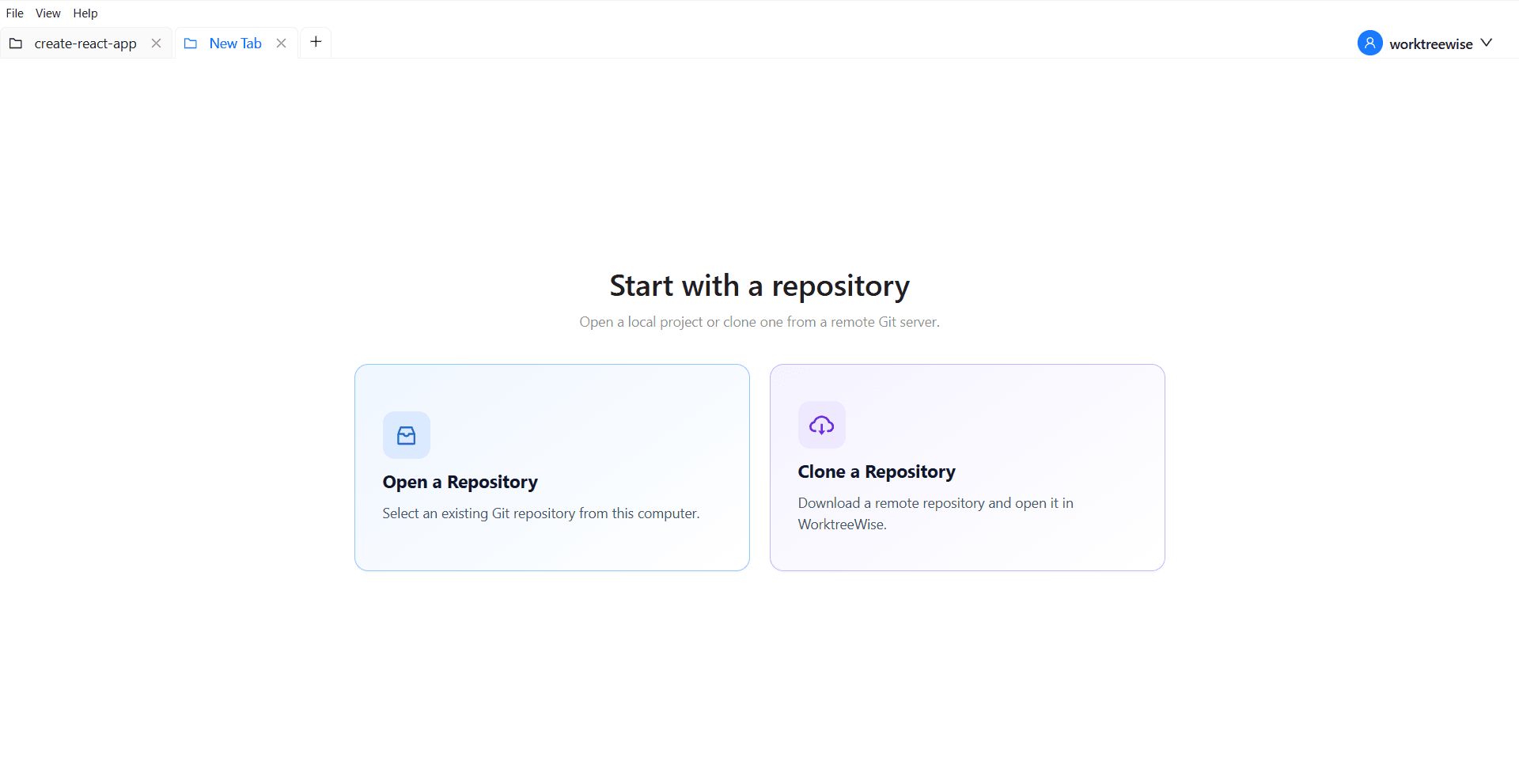
WorktreeWise eliminates the manual friction and mental overhead of CLI flags. It displays real-time branch states, uncommitted modifications, active terminals, and lock statuses across all worktrees on a single visual dashboard.
WorktreeWise Engineering Publication
Written and curated by the core WorktreeWise team. We build developer tools that turn Git worktrees, workflows, and parallel AI coding agents into second nature.