

Worktree vs Docker
TL;DR: The 30-Second Summary
Git Worktrees and Docker solve isolation at different layers of the software stack: Worktrees isolate Git branches and source files on disk, while Docker isolates operating system processes, runtimes, and network ports. Use them together for the ultimate development environment.
The Real-Life Scenario
“A developer asks: 'If I use Docker to containerize my app, do I still need Git worktrees?' Yes! Docker handles the runtime, while worktrees handle your source code and branch multitasking.”
Developers frequently compare Git worktrees and Docker because both tools provide 'isolation'. However, they operate at fundamentally different layers of your development environment.
Filesystem Isolation vs Process Virtualization
Docker provides Linux container virtualization (namespaces, cgroups, network stacks). Git worktrees provide Git branch and filesystem directory separation.
What you see in the terminal:
Docker alone: Runs on branch main. To test branch feature, you must stash and rebuild container.
Worktree + Docker: Worktree A runs Container A; Worktree B runs Container B in parallel!Under the Hood: Git Plumbing & Architecture
Worktrees live in your host OS filesystem. Docker bind-mounts those worktree directories into container runtimes.
Quick Command Recipes
Copy and adapt these commands directly in your terminal:
Combine Worktree + Docker
Launches a dedicated Docker stack pointing to the worktree directory.
git worktree add ../wt-feature feature-branch
cd ../wt-feature
COMPOSE_PROJECT_NAME=wt-feature docker compose up -dStep-by-Step Practical Walkthrough
Follow these verified steps to safely resolve the issue and guarantee that your filesystem and Git references are in sync.
Layer 1: Git Worktree
Isolates the branch, source files, and Git commit history.
Layer 2: Docker Container
Isolates Node/Python runtimes, PostgreSQL, and Redis processes.
Combine via bind mount
Mount the worktree folder into the container to get live reload with full process isolation.
Comparative Feature Matrix
| Dimension | Git Worktree | Docker Container |
|---|---|---|
| Layer of Isolation | Git branches & source code | OS processes, kernel, & network |
| Startup Time | < 1 second | Seconds to minutes |
| Resource Overhead | Zero CPU/RAM overhead | Memory and CPU for container runtime |
| Disk Overhead | Only working tree files | Docker image layers + container volumes |
Edge Cases & Advanced Scenarios
File watching performance in Docker on macOS/Windows
When bind-mounting worktree directories into Docker on macOS, use VirtioFS for optimal file watching performance.
Common Mistakes to Avoid
❌ Mistake: Using Docker containers as a substitute for Git branches
Why it causes trouble: High CPU/RAM overhead without native Git ref management.
What to do instead: Use worktrees for branches and Docker for dependencies.
Verification Checklist
- ✓Worktrees manage Git source files
- ✓Docker manages system runtimes and external databases
Senior Engineering Tips
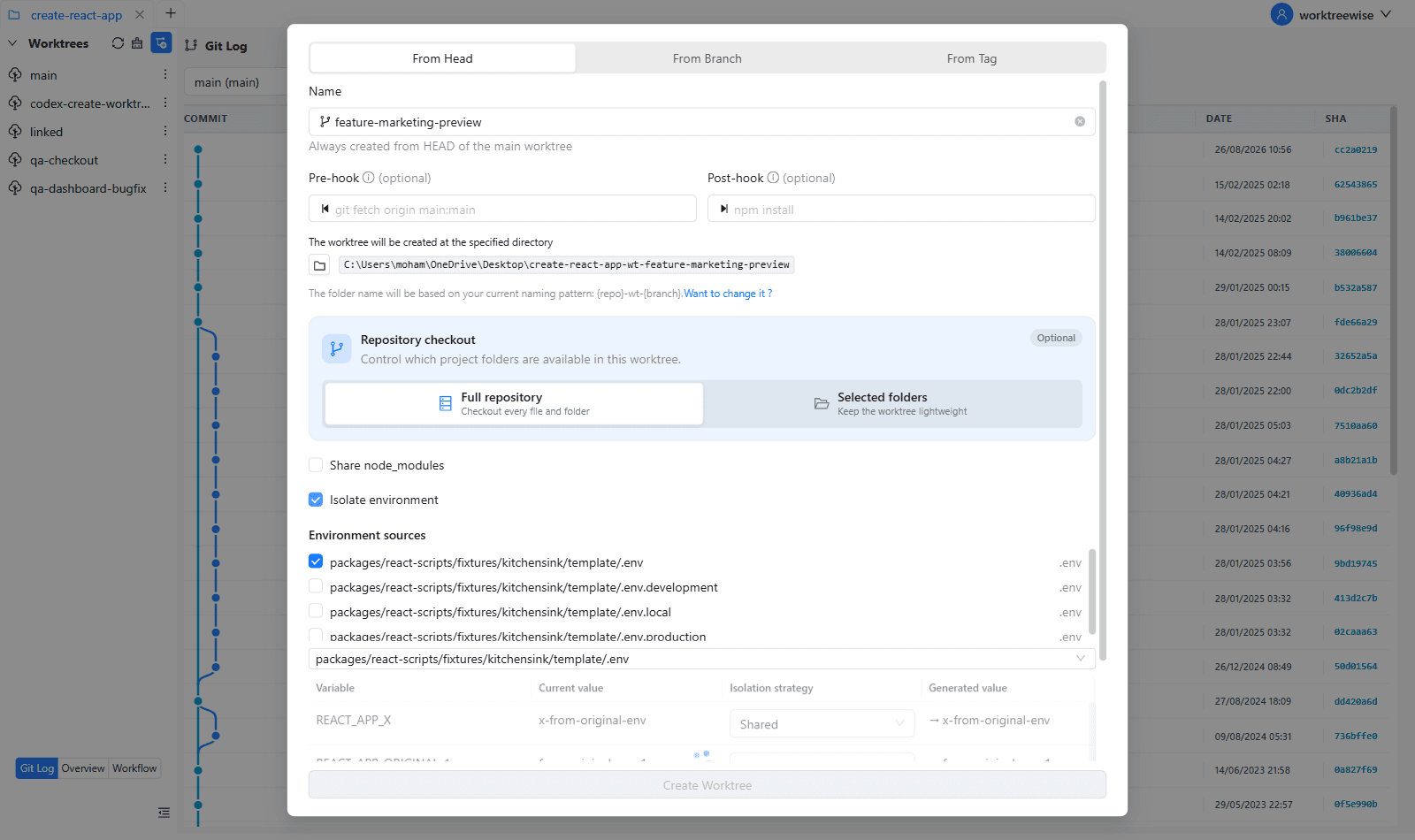
- ★WorktreeWise can automatically launch Docker Compose stacks whenever a new worktree is created.
Key Takeaways
- 01.Worktrees isolate code; Docker isolates runtime processes.
- 02.They are complementary, not competing technologies.
- 03.Combine worktrees and Docker for full-stack parallel development.
How WorktreeWise Solves This Visually
WorktreeWise eliminates the manual friction and mental overhead of CLI flags. It displays real-time branch states, uncommitted modifications, active terminals, and lock statuses across all worktrees on a single visual dashboard.
WorktreeWise Engineering Publication
Written and curated by the core WorktreeWise team. We build developer tools that turn Git worktrees, workflows, and parallel AI coding agents into second nature.