

Worktree vs Codespaces
TL;DR: The 30-Second Summary
GitHub Codespaces provides cloud-hosted VMs with pay-per-minute billing and network latency. Git Worktrees provide instant, zero-cost, 100% offline parallel environments on your local machine. Understand the operational trade-offs.
The Real-Life Scenario
“An engineering manager compares spending $15,000/year on GitHub Codespaces compute hours vs adopting Git worktrees locally for parallel branch development.”
Remote cloud development environments like GitHub Codespaces and Gitpod offer isolated workspaces in the cloud. However, for everyday parallel feature development and code reviews, local Git worktrees are vastly faster, free, and completely offline-capable.
Latency, Cost, and Offline Constraints
Codespaces requires high-speed internet, takes 1-3 minutes to boot, and incurs hourly cloud billing costs. Git worktrees create in 0.2 seconds and cost zero dollars.
What you see in the terminal:
GitHub Codespaces: Provisioning VM... (85s) | Cloud cost: $0.36/hour
Git Worktree: Created in 0.2s | Offline | $0.00Under the Hood: Git Plumbing & Architecture
Worktrees leverage your existing CPU, RAM, and NVMe SSD storage without network roundtrips.
Quick Command Recipes
Copy and adapt these commands directly in your terminal:
Create instant local worktree
Ready in 200 milliseconds, zero network required.
git worktree add ../instant-branch feat/instant mainStep-by-Step Practical Walkthrough
Follow these verified steps to safely resolve the issue and guarantee that your filesystem and Git references are in sync.
Evaluate your hardware
Modern developer laptops (Apple Silicon, Ryzen, Core i7/i9) have ample CPU and RAM to run multiple worktrees locally.
Adopt worktrees for daily multitasking
Use worktrees for PR reviews, hotfixes, and parallel features.
Reserve Codespaces for edge cases
Use Codespaces for onboarding interns with low-powered Chromebooks or testing on specialized cloud hardware.
Comparative Feature Matrix
| Metric | Git Worktrees | GitHub Codespaces |
|---|---|---|
| Boot Time | < 0.5 seconds | 60 to 180 seconds |
| Cost | Free (0$) | Pay-per-hour compute billing |
| Internet Dependency | 100% Offline capable | Requires active broadband connection |
| Performance | Native NVMe speed | Network latency / remote VM specs |
| Best Use Case | Daily development & multi-tasking | Instant onboarding on thin clients |
Edge Cases & Advanced Scenarios
Using worktrees inside a Codespace
You can use Git worktrees *inside* a single Codespace VM to run multiple branches without paying for multiple Codespaces instances!
Common Mistakes to Avoid
❌ Mistake: Spinning up 4 Codespaces VMs simultaneously and forgetting to shut them down
Why it causes trouble: Generates hundreds of dollars in idle cloud compute bills.
What to do instead: Use local worktrees for unlimited free parallel checkouts.
Verification Checklist
- ✓Local worktrees run with zero network latency
- ✓No recurring cloud bills for parallel checkouts
Senior Engineering Tips
- ★Using Git worktrees inside a single cloud VM allows running multiple parallel branches while paying for only one compute instance.
Key Takeaways
- 01.Git worktrees are instant, free, and work completely offline.
- 02.Codespaces is valuable for thin clients but expensive for daily multitasking.
- 03.Worktrees inside Codespaces save cloud compute costs.
How WorktreeWise Solves This Visually
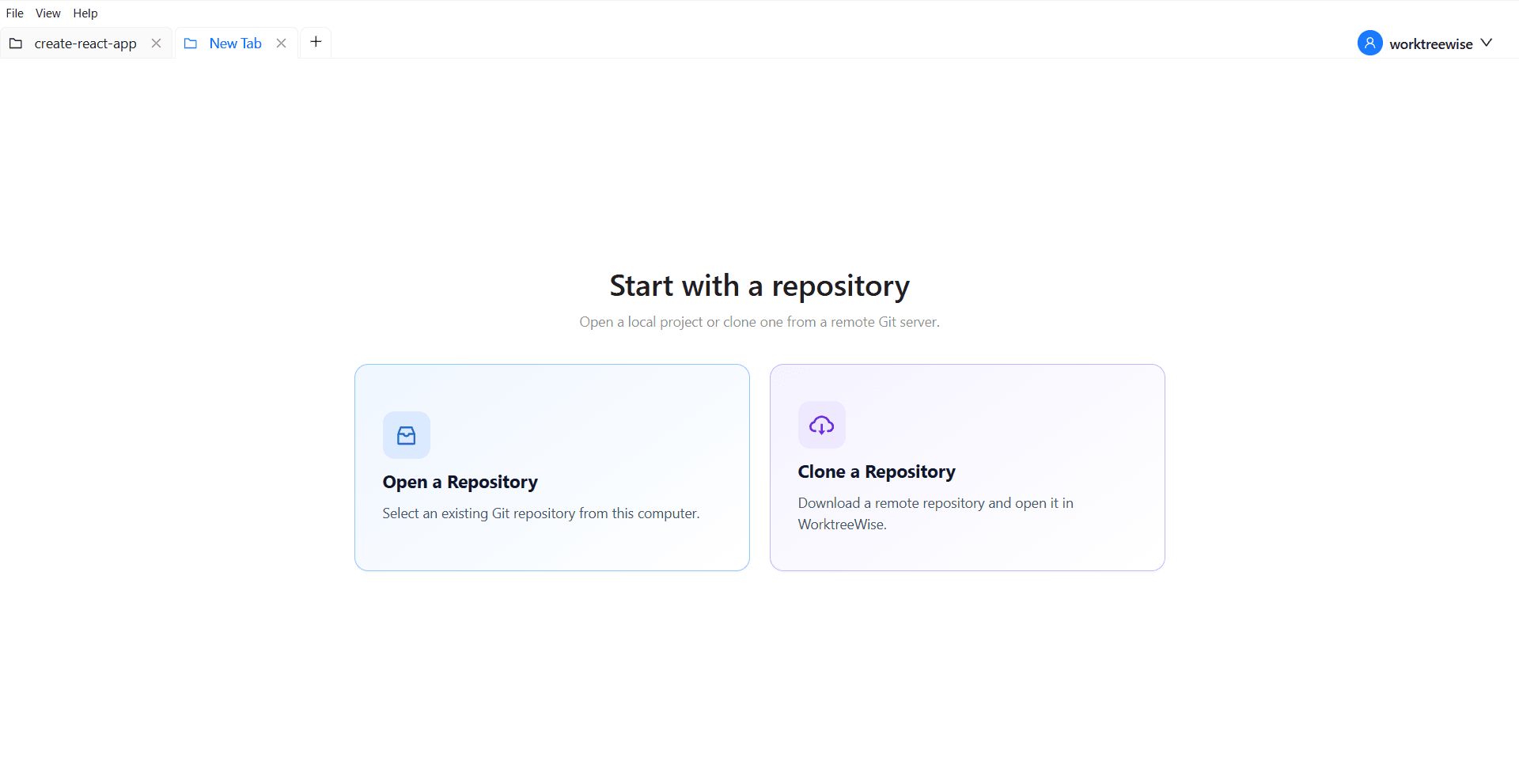
WorktreeWise eliminates the manual friction and mental overhead of CLI flags. It displays real-time branch states, uncommitted modifications, active terminals, and lock statuses across all worktrees on a single visual dashboard.
WorktreeWise Engineering Publication
Written and curated by the core WorktreeWise team. We build developer tools that turn Git worktrees, workflows, and parallel AI coding agents into second nature.