

Redis isolation
TL;DR: The 30-Second Summary
Shared Redis instances leak user sessions, cache entries, and background BullMQ/Sidekiq jobs between parallel worktrees. Use key prefixing (`REDIS_PREFIX=wt_feat:`), separate logical databases (`SELECT 1`), or lightweight Docker containers.
The Real-Life Scenario
“A developer logs into the app on Worktree A. When switching to Worktree B in another browser window, she is unexpectedly logged in as the same user, and background worker queues start processing jobs from the wrong branch.”
Redis is extraordinarily fast because it runs in-memory. However, by default Redis provides a single global key namespace. If two worktrees store sessions or queue jobs with the same keys, state bleeds across branches.
Cross-Contamination in Shared In-Memory Caches
When Worktree A writes to `user:101:session`, Worktree B reads that exact data. If Worktree A altered the session serialization format, Worktree B crashes.
What you see in the terminal:
Error: Failed to deserialize session: unexpected field 'mfa_verified' in payloadUnder the Hood: Git Plumbing & Architecture
Redis supports 16 numbered logical databases (`db 0` through `db 15`) and universal key prefixing in most client libraries (IORedis, redis-py).
Quick Command Recipes
Copy and adapt these commands directly in your terminal:
Configure key prefix in .env
Ensures all keys written by this worktree are prefixed uniquely.
REDIS_PREFIX=wt_feat_billing:Use dedicated logical database
Directs all operations to Redis database index 2.
REDIS_URL=redis://localhost:6379/2Step-by-Step Practical Walkthrough
Follow these verified steps to safely resolve the issue and guarantee that your filesystem and Git references are in sync.
Adopt key prefixing in client config
Configure your Redis client to prefix keys with `process.env.REDIS_PREFIX || ''`.
Set prefix per worktree
Write `REDIS_PREFIX=wt_auth:` in `../worktree-auth/.env.local`.
Flush only worktree keys on reset
Clears only this worktree's cache without disturbing main.
redis-cli --scan --pattern 'wt_auth:*' | xargs redis-cli delEdge Cases & Advanced Scenarios
Pub/Sub channels
Pub/Sub channel names must also be prefixed (`REDIS_PREFIX + 'notifications'`) to prevent message cross-talk.
Common Mistakes to Avoid
❌ Mistake: Running `FLUSHALL` in Redis during local testing
Why it causes trouble: Wipes all cached data and active sessions across ALL worktrees simultaneously.
What to do instead: Use `FLUSHDB` on isolated database indices or prefix-based deletion.
Verification Checklist
- ✓`redis-cli keys '*'` displays distinct key prefixes for each branch
- ✓Background job queues only process jobs generated by the matching worktree
Senior Engineering Tips
- ★IORedis supports `keyPrefix: 'prefix:'` option natively in its constructor.
Key Takeaways
- 01.Always namespace Redis keys or database indices per worktree.
- 02.Never run `FLUSHALL` when multiple worktrees are running.
How WorktreeWise Solves This Visually
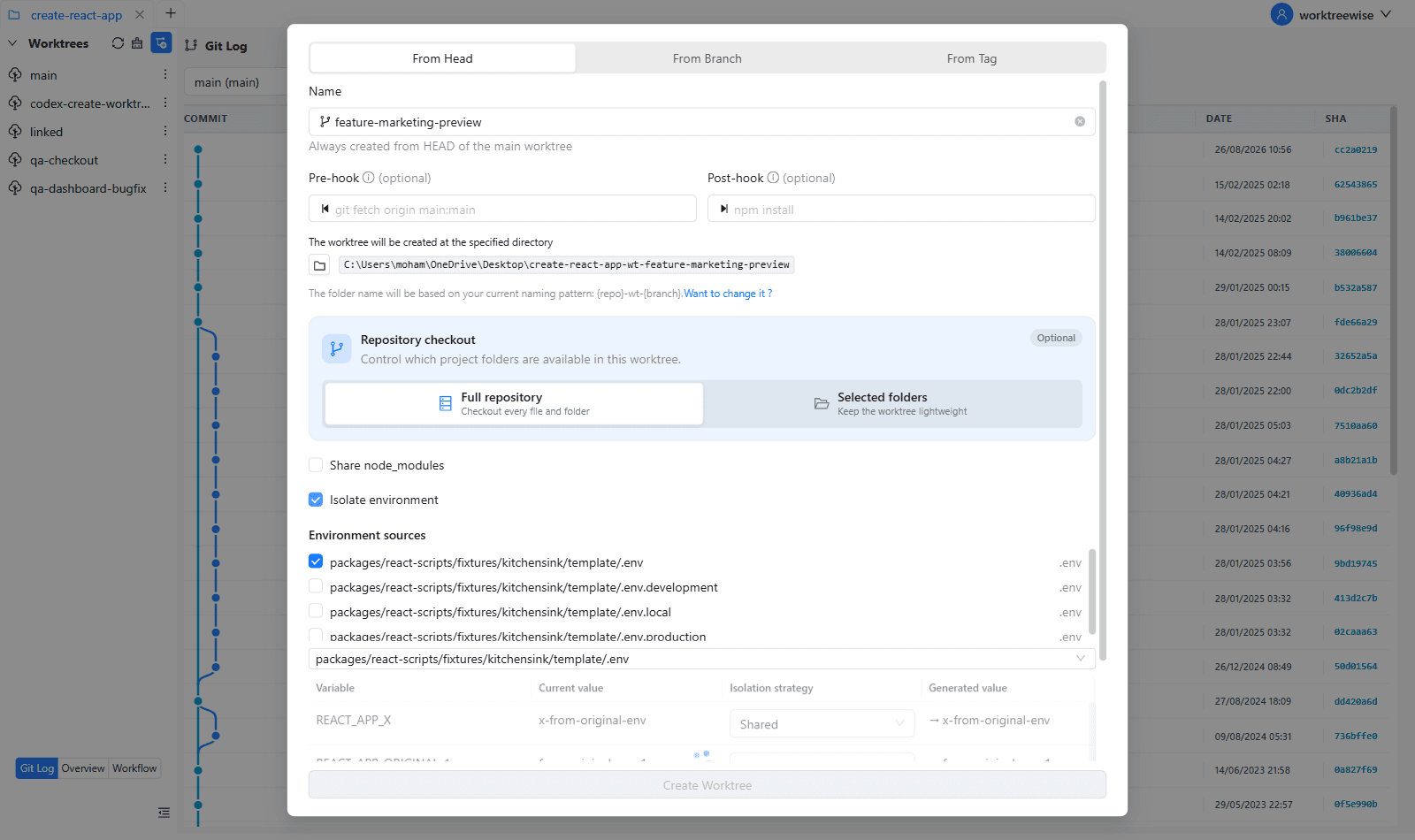
WorktreeWise eliminates the manual friction and mental overhead of CLI flags. It displays real-time branch states, uncommitted modifications, active terminals, and lock statuses across all worktrees on a single visual dashboard.
WorktreeWise Engineering Publication
Written and curated by the core WorktreeWise team. We build developer tools that turn Git worktrees, workflows, and parallel AI coding agents into second nature.