

pnpm with worktrees
TL;DR: The 30-Second Summary
pnpm is the best package manager for Git worktrees. Its global content-addressable store means `pnpm install` in a new worktree takes seconds and uses hardlinks, consuming near-zero extra disk space while maintaining complete isolation.
The Real-Life Scenario
“A developer manages 8 parallel Git worktrees with pnpm. All 8 worktrees install in under 4 seconds each, and the combined disk usage of all 8 worktrees is virtually identical to a single checkout.”
pnpm was engineered from the ground up to solve the `node_modules` duplication problem. When paired with Git worktrees, pnpm delivers the holy grail: instantaneous installs, near-zero additional disk usage, and 100% dependency isolation.
Why npm and Yarn Classic Struggle with Worktrees
npm and Yarn Classic copy every package file physically into each worktree's `node_modules`. 5 worktrees = 5x the disk space and 5x the install time.
What you see in the terminal:
5 worktrees with npm: 7.5 GB disk space, 8 min install time
5 worktrees with pnpm: 1.6 GB disk space, 12 sec install timeUnder the Hood: Git Plumbing & Architecture
pnpm maintains a single global content-addressable store at `~/.local/share/pnpm/store`. When you run `pnpm install`, it creates hard links from the global store into the worktree's `.pnpm` virtual store. Hard links consume zero additional disk sectors.
Quick Command Recipes
Copy and adapt these commands directly in your terminal:
Fast frozen install in new worktree
Links all dependencies from the global store in seconds without re-downloading.
pnpm install --frozen-lockfileVerify hardlink storage efficiency
Confirms packages are properly linked from the central store.
pnpm store statusStep-by-Step Practical Walkthrough
Follow these verified steps to safely resolve the issue and guarantee that your filesystem and Git references are in sync.
Create worktree
Create the directory.
git worktree add ../pnpm-feat -b feat/pnpm mainRun pnpm install
Notice 'reused 842, downloaded 0'—instant install!
cd ../pnpm-feat && pnpm installPackages are hard linked from the content-addressable store to the virtual store. Progress: resolved 842, reused 842, downloaded 0
Run your application
Application boots with isolated, hardlinked packages.
pnpm devEdge Cases & Advanced Scenarios
Cross-filesystem hardlink limitations
Hard links cannot cross storage drive boundaries. Keep your worktrees on the same drive partition as your pnpm store.
Common Mistakes to Avoid
❌ Mistake: Using `pnpm install --shamefully-hoist` without understanding implications
Why it causes trouble: Flattens `node_modules` and risks ghost dependency bugs.
What to do instead: Stick with pnpm's default isolated symlink structure.
Verification Checklist
- ✓`pnpm install` completes in seconds without network downloads
- ✓Disk storage remains lean across all worktrees
Senior Engineering Tips
- ★If you use Git worktrees heavily for web development, migrating to pnpm is the single highest-ROI performance improvement you can make.
Key Takeaways
- 01.pnpm uses hard links from a global store, using near-zero extra disk per worktree.
- 02.`pnpm install` in a new worktree takes seconds.
- 03.Provides 100% dependency isolation with none of the duplication drawbacks.
How WorktreeWise Solves This Visually
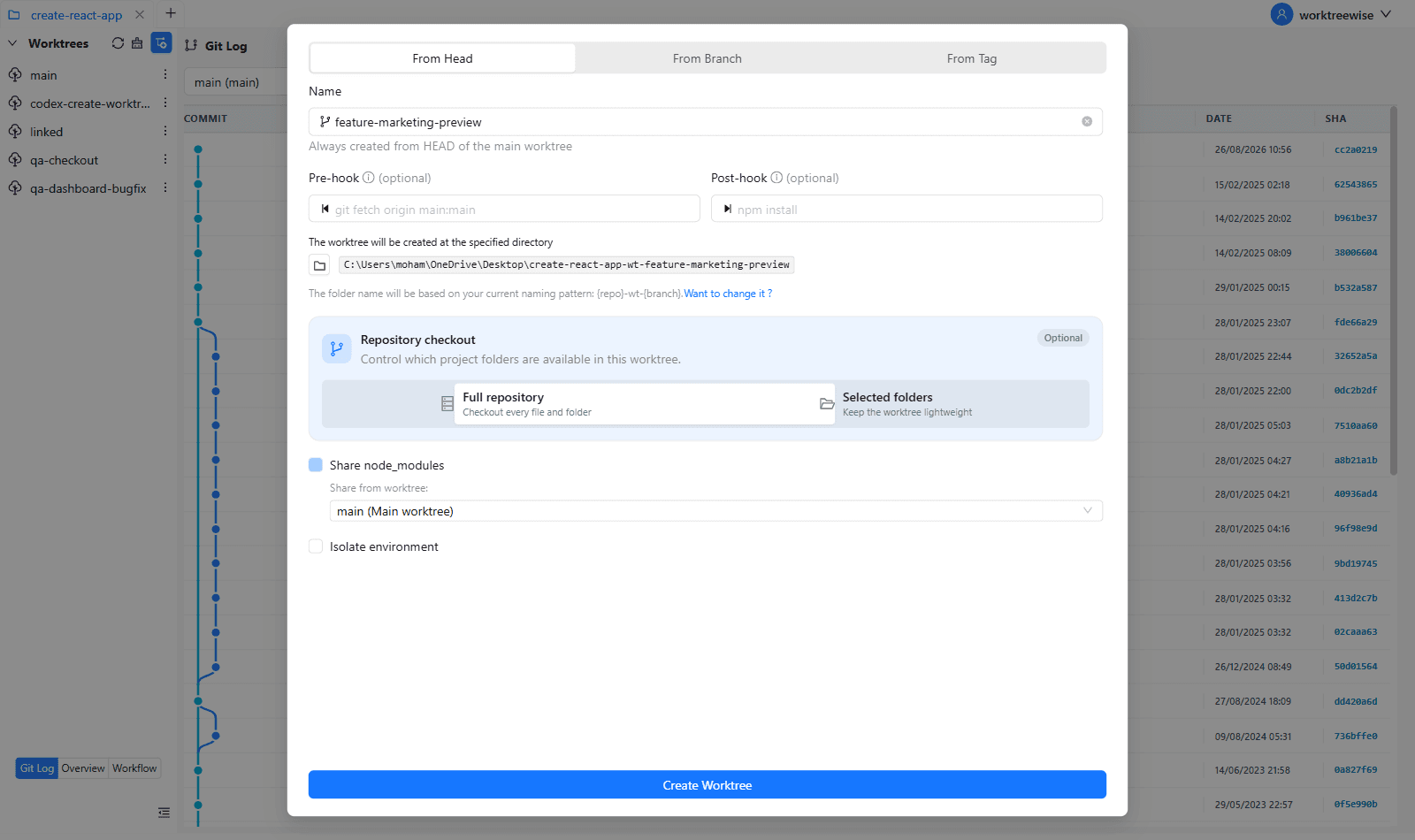
WorktreeWise eliminates the manual friction and mental overhead of CLI flags. It displays real-time branch states, uncommitted modifications, active terminals, and lock statuses across all worktrees on a single visual dashboard.
WorktreeWise Engineering Publication
Written and curated by the core WorktreeWise team. We build developer tools that turn Git worktrees, workflows, and parallel AI coding agents into second nature.