

npm with worktrees
TL;DR: The 30-Second Summary
Optimize npm across parallel Git worktrees using `npm ci --prefer-offline`, cache sharing, and avoiding global `npm link` collisions.
The Real-Life Scenario
“An engineer runs `npm install` across 3 worktrees simultaneously and encounters file lock errors and long network downloads. Switching to `npm ci --prefer-offline` cuts install times by 75%.”
While npm historically duplicated packages on disk, modern versions of npm (v9/v10) include robust caching and offline resolution flags that make managing multiple worktrees significantly faster.
Slow Installs and Lockfile Mutations
Running `npm install` in a worktree often modifies `package-lock.json` unnecessarily and downloads packages over the network that are already cached locally.
What you see in the terminal:
$ npm install
npm WARN idealTree Already up to date, but lockfile was updatedUnder the Hood: Git Plumbing & Architecture
`npm ci` enforces strict adherence to `package-lock.json` and deletes any pre-existing `node_modules`, ensuring an exact, reproducible installation.
Quick Command Recipes
Copy and adapt these commands directly in your terminal:
Fast offline install
Reuses local npm cache without re-validating against registry servers.
npm ci --prefer-offlineVerify npm cache integrity
Ensures the shared npm cache is healthy across all worktrees.
npm cache verifyStep-by-Step Practical Walkthrough
Follow these verified steps to safely resolve the issue and guarantee that your filesystem and Git references are in sync.
Create worktree
Spawn the workspace.
git worktree add ../feat-npm -b feat/npm mainRun npm ci
Install dependencies from cache.
cd ../feat-npm && npm ci --prefer-offlineVerify clean tree
Confirm `package-lock.json` was not modified.
git statusEdge Cases & Advanced Scenarios
npm link collisions
Avoid `npm link` between worktrees as global links overwrite each other. Use file paths (`npm i ../path/to/pkg`) instead.
Common Mistakes to Avoid
❌ Mistake: Using `npm install` instead of `npm ci` in temporary worktrees
Why it causes trouble: Unintentionally mutates `package-lock.json` with minor dependency updates.
What to do instead: Always use `npm ci` in worktrees.
Verification Checklist
- ✓`package-lock.json` remains pristine
- ✓Build passes cleanly with installed dependencies
Senior Engineering Tips
- ★Add `npm ci --prefer-offline` to your WorktreeWise post-creation workflow hook to automate dependency installation.
Key Takeaways
- 01.Always use `npm ci` rather than `npm install` in worktrees.
- 02.`--prefer-offline` speeds up installs by reusing the local npm cache.
How WorktreeWise Solves This Visually
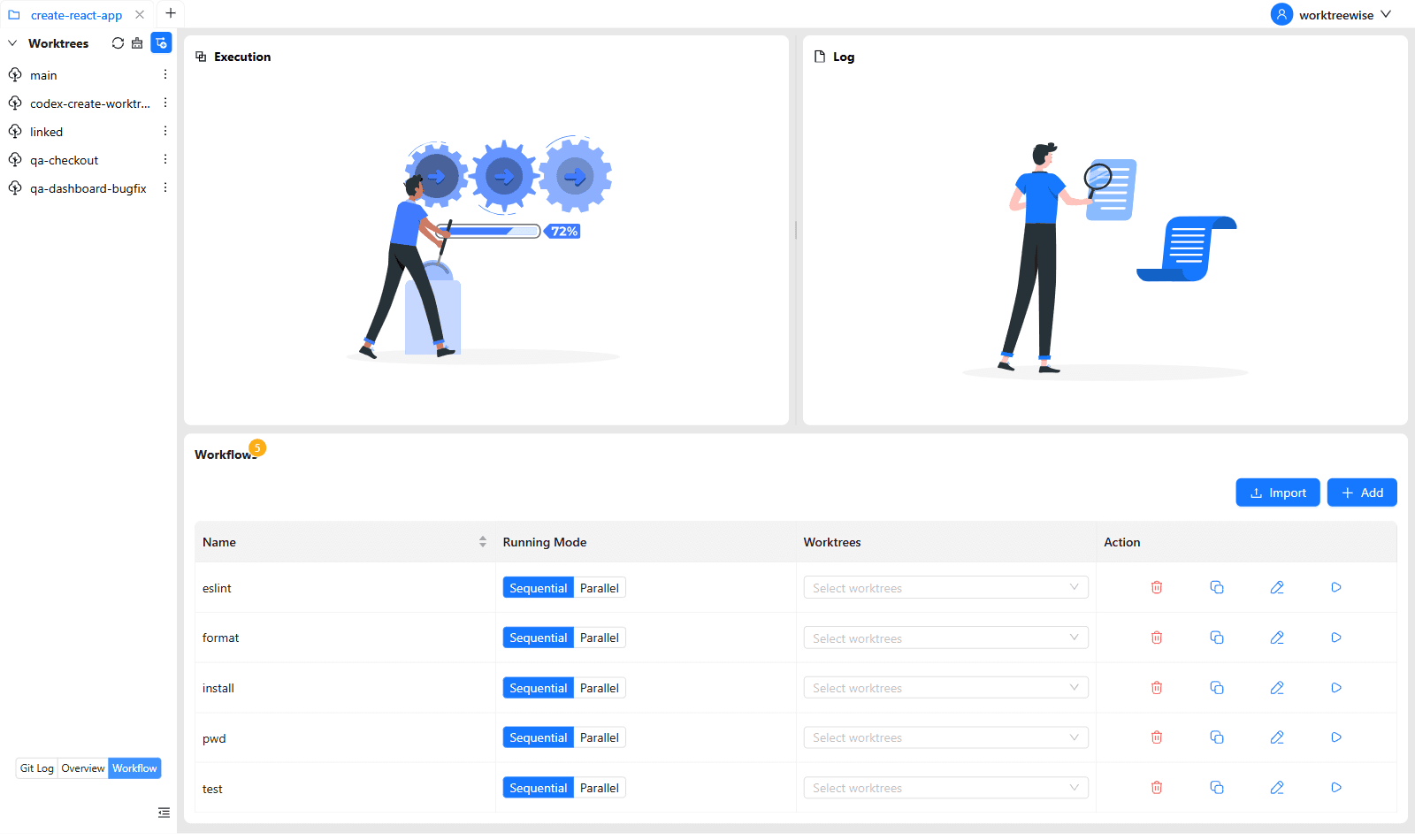
WorktreeWise eliminates the manual friction and mental overhead of CLI flags. It displays real-time branch states, uncommitted modifications, active terminals, and lock statuses across all worktrees on a single visual dashboard.
WorktreeWise Engineering Publication
Written and curated by the core WorktreeWise team. We build developer tools that turn Git worktrees, workflows, and parallel AI coding agents into second nature.