

MySQL per worktree
TL;DR: The 30-Second Summary
Isolate MySQL development databases across Git worktrees using branch-prefixed database schemas, automated dump/restore scripts, or separate containerized MySQL instances.
The Real-Life Scenario
“A Laravel developer runs parallel worktrees for `v2-upgrade` and `bugfix-cart`. Creating `app_v2` and `app_cart` in MySQL prevents `artisan migrate:fresh` from wiping both environments.”
MySQL is widely used across web applications. Because MySQL treats databases and schemas as synonymous concepts, creating branch-specific databases is straightforward.
Destructive Migration Collisions in MySQL
Frameworks like Laravel and Rails frequently run `migrate:fresh` or destructive test fixtures that truncate tables. Sharing one MySQL schema wipes out concurrent work.
What you see in the terminal:
SQLSTATE[42S02]: Base table or view not found: Table 'app_dev.users' doesn't existUnder the Hood: Git Plumbing & Architecture
In MySQL, `CREATE SCHEMA` and `CREATE DATABASE` are identical. Creating `app_${BRANCH_NAME}` provides full physical isolation of InnoDB tablespaces.
Quick Command Recipes
Copy and adapt these commands directly in your terminal:
Create worktree MySQL schema
Creates an isolated database schema for the worktree.
mysql -u root -e 'CREATE DATABASE app_feat_cart;'Clone schema structure from base
Copies the schema definitions without copying heavy data.
mysqldump -u root -d app_dev | mysql -u root app_feat_cartStep-by-Step Practical Walkthrough
Follow these verified steps to safely resolve the issue and guarantee that your filesystem and Git references are in sync.
Create worktree database
Provision the database.
mysql -e 'CREATE DATABASE IF NOT EXISTS app_feat_cart'Update `.env` in worktree
Set `DB_DATABASE=app_feat_cart`.
Run migrations
Run migrations independently.
npm run db:migrateEdge Cases & Advanced Scenarios
MySQL user permissions
Grant wildcard permissions `GRANT ALL ON app_*.* TO 'dev'@'localhost'` so new worktree databases work automatically.
Common Mistakes to Avoid
❌ Mistake: Hardcoding database credentials in config files
Why it causes trouble: Worktrees cannot override the database name.
What to do instead: Always read the database name from environment variables.
Verification Checklist
- ✓Each worktree points to a unique MySQL database name
- ✓`mysql -e 'SHOW DATABASES'` lists separate entries
Senior Engineering Tips
- ★Grant wildcard permissions to your local MySQL dev user so you never have to configure user rights for new worktrees.
Key Takeaways
- 01.Use `app_<worktree>` database naming conventions in MySQL.
- 02.Use `mysqldump -d` to clone table structures instantly.
How WorktreeWise Solves This Visually
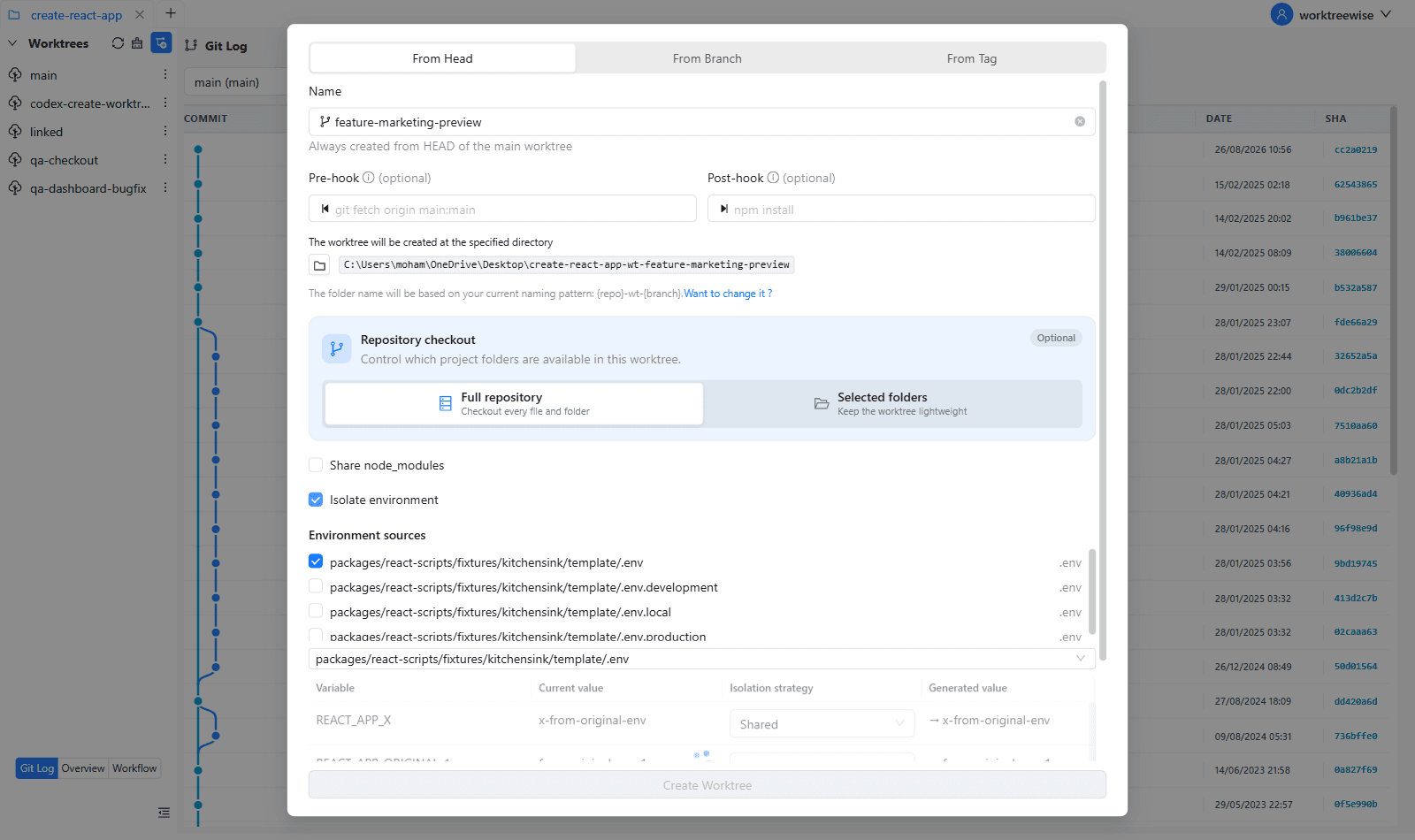
WorktreeWise eliminates the manual friction and mental overhead of CLI flags. It displays real-time branch states, uncommitted modifications, active terminals, and lock statuses across all worktrees on a single visual dashboard.
WorktreeWise Engineering Publication
Written and curated by the core WorktreeWise team. We build developer tools that turn Git worktrees, workflows, and parallel AI coding agents into second nature.