

Maven with worktrees
TL;DR: The 30-Second Summary
Prevent Maven snapshot contamination and concurrent build lockups across Git worktrees using local repository overrides (`-Dmaven.repo.local`) and per-worktree target directories.
The Real-Life Scenario
“A Java engineer runs `mvn clean install` in Worktree A while Worktree B is running tests. Because both builds write to `~/.m2/repository`, SNAPSHOT dependencies are overwritten mid-test, failing the build.”
Apache Maven's local repository (`~/.m2/repository`) is shared by default across all projects on a machine. When running concurrent worktrees on different branches of the same Java project, SNAPSHOT artifact collisions can cause unpredictable build failures.
Maven SNAPSHOT Overwrite Contention
When Branch A builds `1.0.0-SNAPSHOT`, it installs jars into `~/.m2`. If Branch B relies on an older `1.0.0-SNAPSHOT`, it immediately picks up Branch A's unreleased binaries.
What you see in the terminal:
[ERROR] Failed to execute goal ... SNAPSHOT artifact was modified by another processUnder the Hood: Git Plumbing & Architecture
Maven uses `~/.m2/repository` as both an artifact cache and a local installation target. Overriding `maven.repo.local` isolates the cache completely.
Quick Command Recipes
Copy and adapt these commands directly in your terminal:
Isolate local repository per worktree
Keeps SNAPSHOT artifacts strictly inside the worktree.
mvn -Dmaven.repo.local=.m2-repo clean testStep-by-Step Practical Walkthrough
Follow these verified steps to safely resolve the issue and guarantee that your filesystem and Git references are in sync.
Create worktree
Spawn the workspace.
git worktree add ../java-feat -b feat/java mainBuild with isolated repository
Executes without SNAPSHOT collisions.
cd ../java-feat && mvn -Dmaven.repo.local=.m2-repo testEdge Cases & Advanced Scenarios
Large download overhead
If downloading dependencies into `.m2-repo` is too slow, share `~/.m2` for releases and only isolate SNAPSHOT builds.
Common Mistakes to Avoid
❌ Mistake: Running concurrent `mvn clean install` without build isolation
Why it causes trouble: File locking on jar files on Windows and corrupted SNAPSHOT metadata.
What to do instead: Use `-Dmaven.repo.local` for concurrent builds.
Verification Checklist
- ✓Maven builds complete cleanly in parallel
- ✓SNAPSHOT artifacts do not overwrite sibling branches
Senior Engineering Tips
- ★Configure `.mvn/maven.config` in each worktree to set `-Dmaven.repo.local` automatically.
Key Takeaways
- 01.Maven shares `~/.m2/repository` globally by default.
- 02.Use `-Dmaven.repo.local=.m2-repo` to isolate SNAPSHOT builds.
How WorktreeWise Solves This Visually
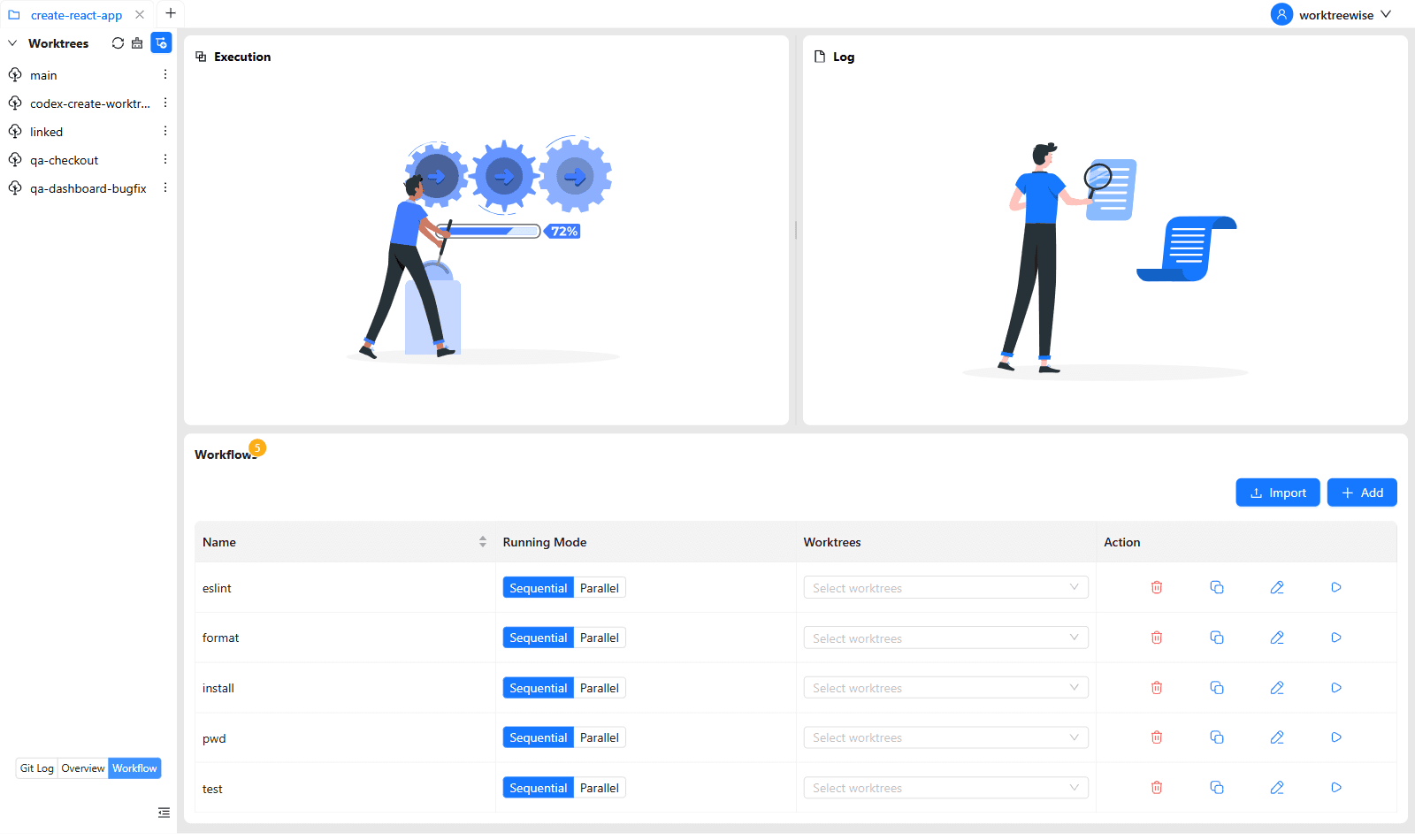
WorktreeWise eliminates the manual friction and mental overhead of CLI flags. It displays real-time branch states, uncommitted modifications, active terminals, and lock statuses across all worktrees on a single visual dashboard.
WorktreeWise Engineering Publication
Written and curated by the core WorktreeWise team. We build developer tools that turn Git worktrees, workflows, and parallel AI coding agents into second nature.