

Gradle with worktrees
TL;DR: The 30-Second Summary
Optimize Gradle for parallel Git worktrees by managing Gradle daemons, sharing build caches safely, and isolating `--gradle-user-home` when running breaking toolchain updates.
The Real-Life Scenario
“An Android developer tests a Gradle 8.5 migration in a worktree while running Gradle 8.2 in the main repo. The Gradle daemon crashes due to JVM daemon state conflicts.”
Gradle's background daemon architecture provides blazing fast incremental builds. When juggling multiple worktrees with different Gradle or JDK versions, understanding daemon lifecycles ensures smooth concurrent development.
Gradle Daemon Version Conflicts
When multiple worktrees require different Gradle versions, the daemon manager spawns multiple background daemons that can exhaust system RAM.
What you see in the terminal:
Starting a Gradle Daemon, 2 busy Daemons could not be reused, use --status for detailsUnder the Hood: Git Plumbing & Architecture
Gradle caches build outputs in `<project>/.gradle` and global artifacts in `~/.gradle`. While `<project>/.gradle` is already isolated per worktree, global daemon state is shared.
Quick Command Recipes
Copy and adapt these commands directly in your terminal:
Isolate Gradle user home
Isolates daemons and global caches to the worktree.
./gradlew --gradle-user-home .gradle-home testInspect active daemons
Lists all running Gradle daemons and their memory usage.
./gradlew --statusStep-by-Step Practical Walkthrough
Follow these verified steps to safely resolve the issue and guarantee that your filesystem and Git references are in sync.
Create worktree
Spawn directory.
git worktree add ../android-feat -b feat/android mainRun build
Executes incremental build.
cd ../android-feat && ./gradlew testEdge Cases & Advanced Scenarios
Build cache sharing
Gradle's local build cache (`~/.gradle/caches/build-cache-1`) is content-addressable and 100% safe to share across worktrees.
Common Mistakes to Avoid
❌ Mistake: Committing `.gradle/` directories to Git
Why it causes trouble: Pollutes repo with machine-specific binary caches.
What to do instead: Ensure `.gradle/` is in root `.gitignore`.
Verification Checklist
- ✓Gradle builds succeed across both worktrees
- ✓System memory remains stable during concurrent runs
Senior Engineering Tips
- ★Gradle's build cache works across worktrees, allowing Worktree B to reuse compiled tasks from Worktree A.
Key Takeaways
- 01.Gradle's build cache can be safely shared across worktrees.
- 02.Isolate `--gradle-user-home` when testing different Gradle/JDK versions.
How WorktreeWise Solves This Visually
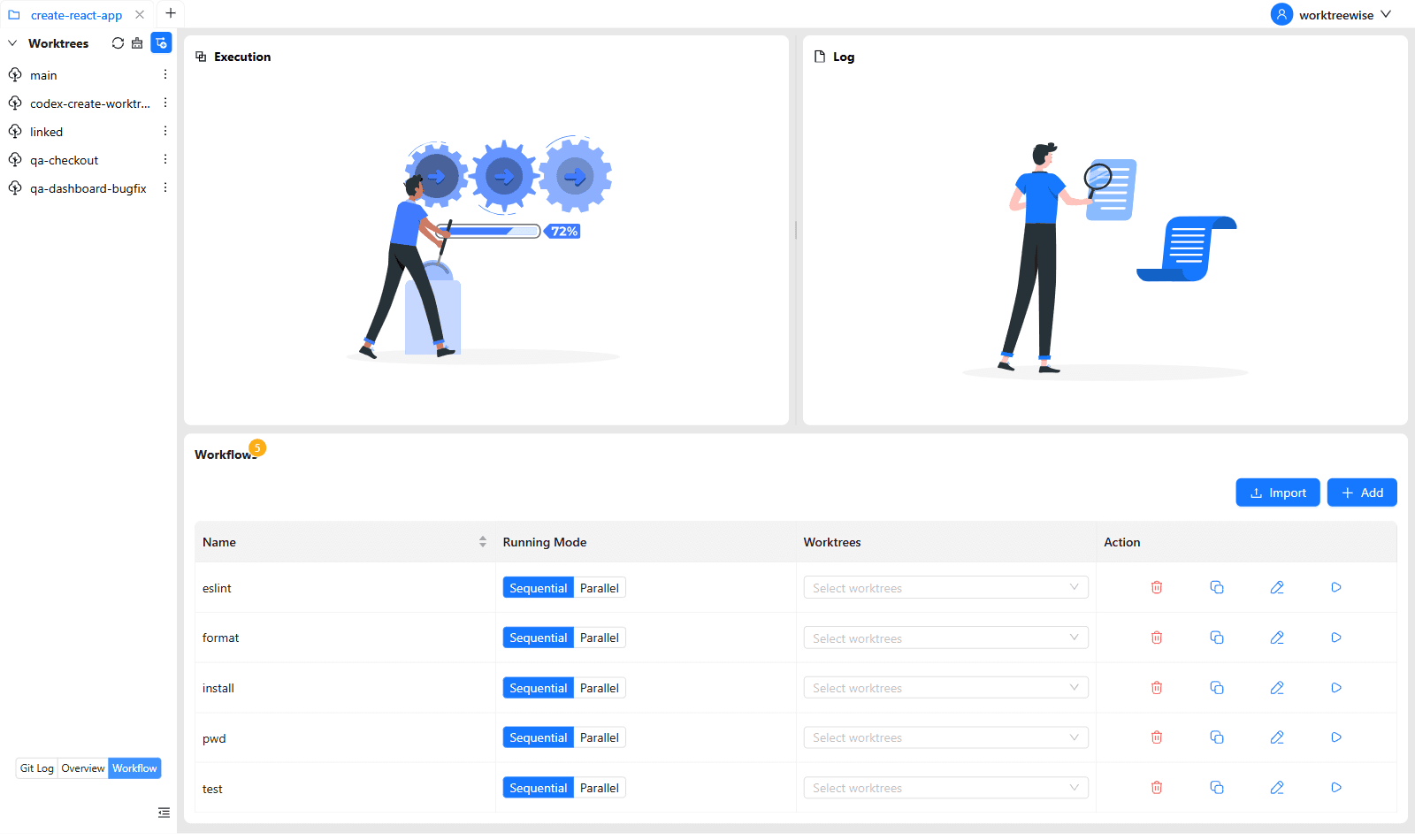
WorktreeWise eliminates the manual friction and mental overhead of CLI flags. It displays real-time branch states, uncommitted modifications, active terminals, and lock statuses across all worktrees on a single visual dashboard.
WorktreeWise Engineering Publication
Written and curated by the core WorktreeWise team. We build developer tools that turn Git worktrees, workflows, and parallel AI coding agents into second nature.