

Cache isolation
TL;DR: The 30-Second Summary
Modern build tools (.next/cache, .turbo, .vite, tsconfig.tsbuildinfo) cache compilation outputs. Ensure caches are isolated per worktree to prevent stale bundles and cross-branch ghost bugs.
The Real-Life Scenario
“A developer checks out a worktree to test a CSS overhaul. The browser continues rendering the old styles because Next.js reuses the `.next/cache` from the previous branch.”
Incremental compilers and bundlers (Next.js, Webpack, Vite, Turborepo) store serialized ASTs and compilation caches to accelerate hot reloads. In a multi-worktree environment, understanding cache boundaries prevents serving stale assets.
Stale Cache Cross-Contamination
If cache directories are shared or symlinked, changes on Branch A pollute the compilation cache of Branch B.
What you see in the terminal:
[Next.js] Warning: Found stale cache entry in .next/cache/webpack/client-productionUnder the Hood: Git Plumbing & Architecture
Build caches assume the filesystem state matches the cached hash. Because each worktree has its own directory, keeping cache folders inside the worktree guarantees isolation.
Quick Command Recipes
Copy and adapt these commands directly in your terminal:
Clear Next.js cache
Purges cached webpack artifacts cleanly.
rm -rf .next/cache && npm run buildOverride cache directory via environment variable
Forces Next.js to use an isolated cache folder.
NEXT_CACHE_DIR=.cache/wt-auth npm run buildStep-by-Step Practical Walkthrough
Follow these verified steps to safely resolve the issue and guarantee that your filesystem and Git references are in sync.
Verify cache folder location
Ensure `.next/`, `.cache/`, and `.turbo/` live inside the worktree and are ignored by `.gitignore`.
Build cleanly
Generate worktree-specific cache.
npm run buildEdge Cases & Advanced Scenarios
TypeScript incremental build info
`tsconfig.tsbuildinfo` must remain untracked so each worktree builds types independently.
Common Mistakes to Avoid
❌ Mistake: Symlinking cache directories between worktrees to save disk
Why it causes trouble: Causes ghost compilation bugs where changes in one branch corrupt another.
What to do instead: Never share mutable build caches.
Verification Checklist
- ✓Cache folders exist independently within each worktree
- ✓Hot reloading reflects changes made strictly within that worktree
Senior Engineering Tips
- ★Turborepo remote caching is safe to use across worktrees because it keys caches by input file hashes.
Key Takeaways
- 01.Never share local build caches between worktrees.
- 02.Keep cache folders ignored in `.gitignore`.
- 03.Purge caches if unexpected compilation artifacts appear.
How WorktreeWise Solves This Visually
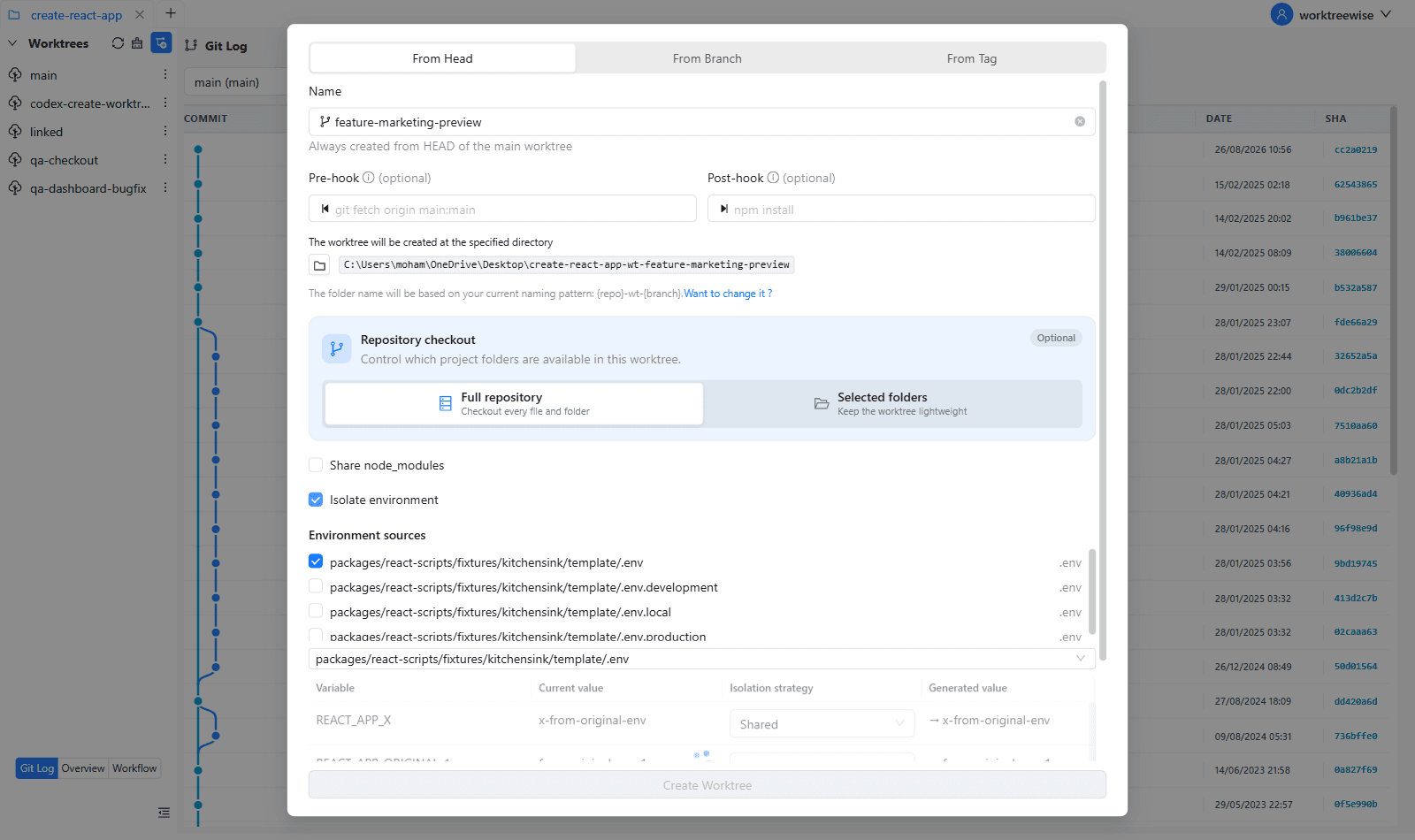
WorktreeWise eliminates the manual friction and mental overhead of CLI flags. It displays real-time branch states, uncommitted modifications, active terminals, and lock statuses across all worktrees on a single visual dashboard.
WorktreeWise Engineering Publication
Written and curated by the core WorktreeWise team. We build developer tools that turn Git worktrees, workflows, and parallel AI coding agents into second nature.