

Exhausted by Git Stash? Transform Your Workflow with Git Worktrees!
Still relying on Git stash? Switch to Git worktrees and handle multiple tasks without losing changes or breaking your flow.
Read article
06 Mar 2026
6 min read
AI coding tools are transforming how developers interact with their codebases. Tools like Claude AI can analyze entire repositories, generate features, refactor code, and automate development tasks.
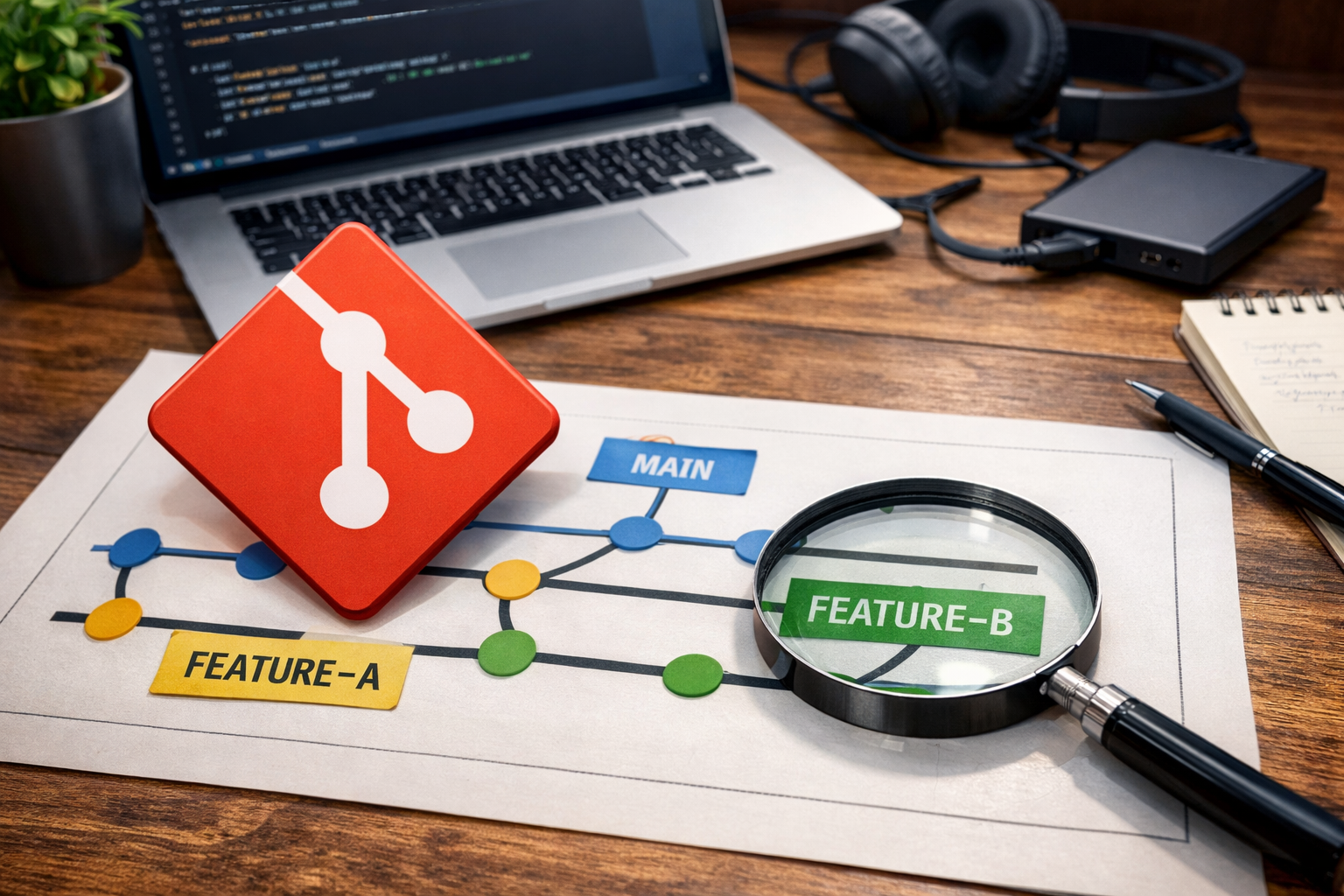
At the same time, more developers are discovering the power of Git worktrees, a feature that allows multiple branches to be checked out simultaneously in separate directories.
When you combine Git worktrees with WorktreeWise, you unlock a powerful workflow for managing parallel development, AI experiments, and automated tasks.
Today, developers typically use Claude in three different ways, and WorktreeWise can enhance each of them.
The most common way developers use Claude is as a coding assistant.
In this workflow, the developer remains in control while Claude helps with tasks such as:
generating functions.
refactoring existing code.
fixing bugs.
writing tests.
explaining complex code.
Developers usually interact with Claude while working inside an IDE like WebStorm or IntelliJ IDEA.
However, modern development rarely happens on a single branch. Developers often need to work on multiple features simultaneously.
This is where Git worktrees and WorktreeWise become extremely useful.
Instead of constantly switching branches, you can create separate working directories using Git worktrees.
Example:
main/
auth-feature/
ui-redesign/
ui-refactor/
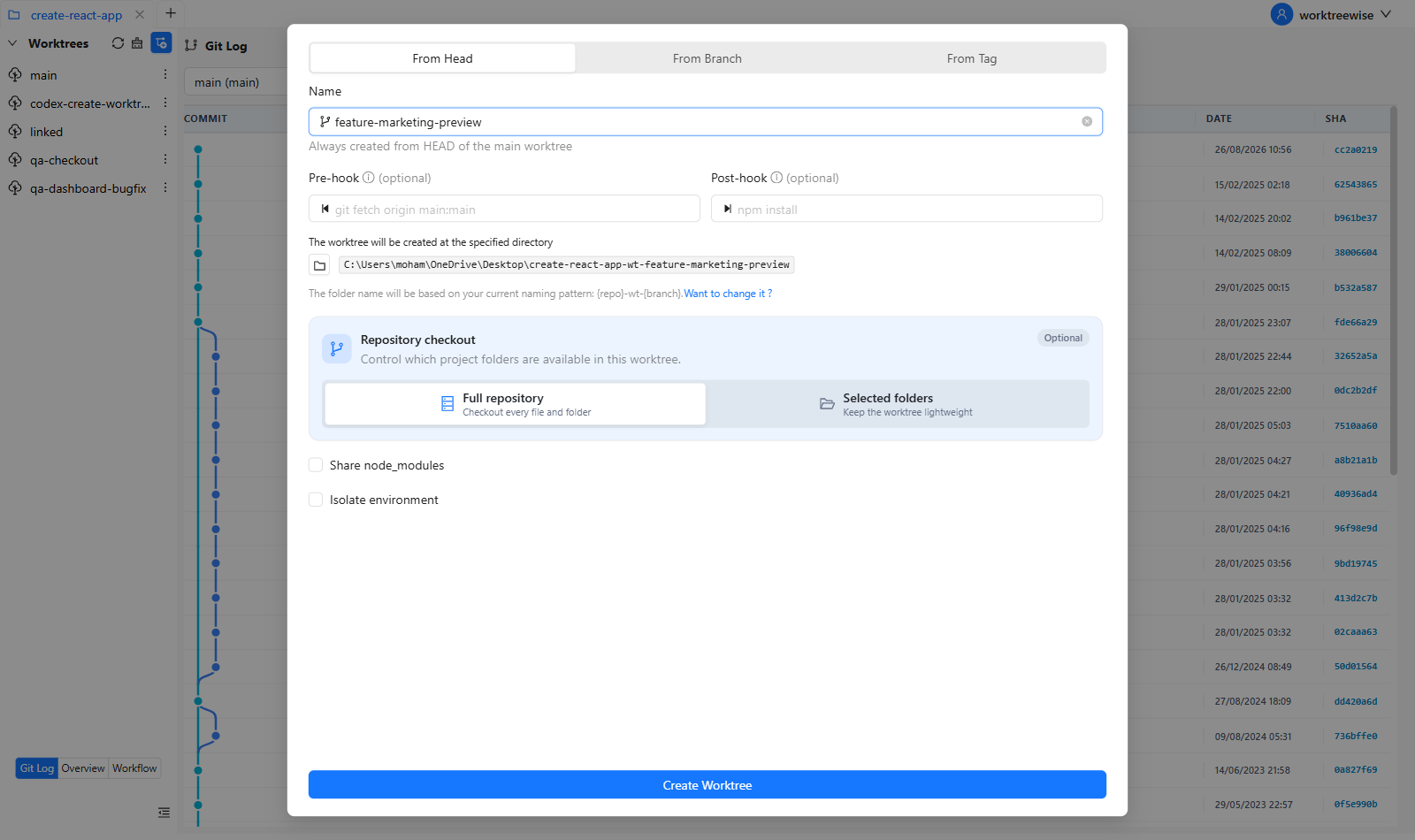
Each directory corresponds to a branch.
With WorktreeWise, you can create and manage these worktrees visually, avoiding complex Git commands.
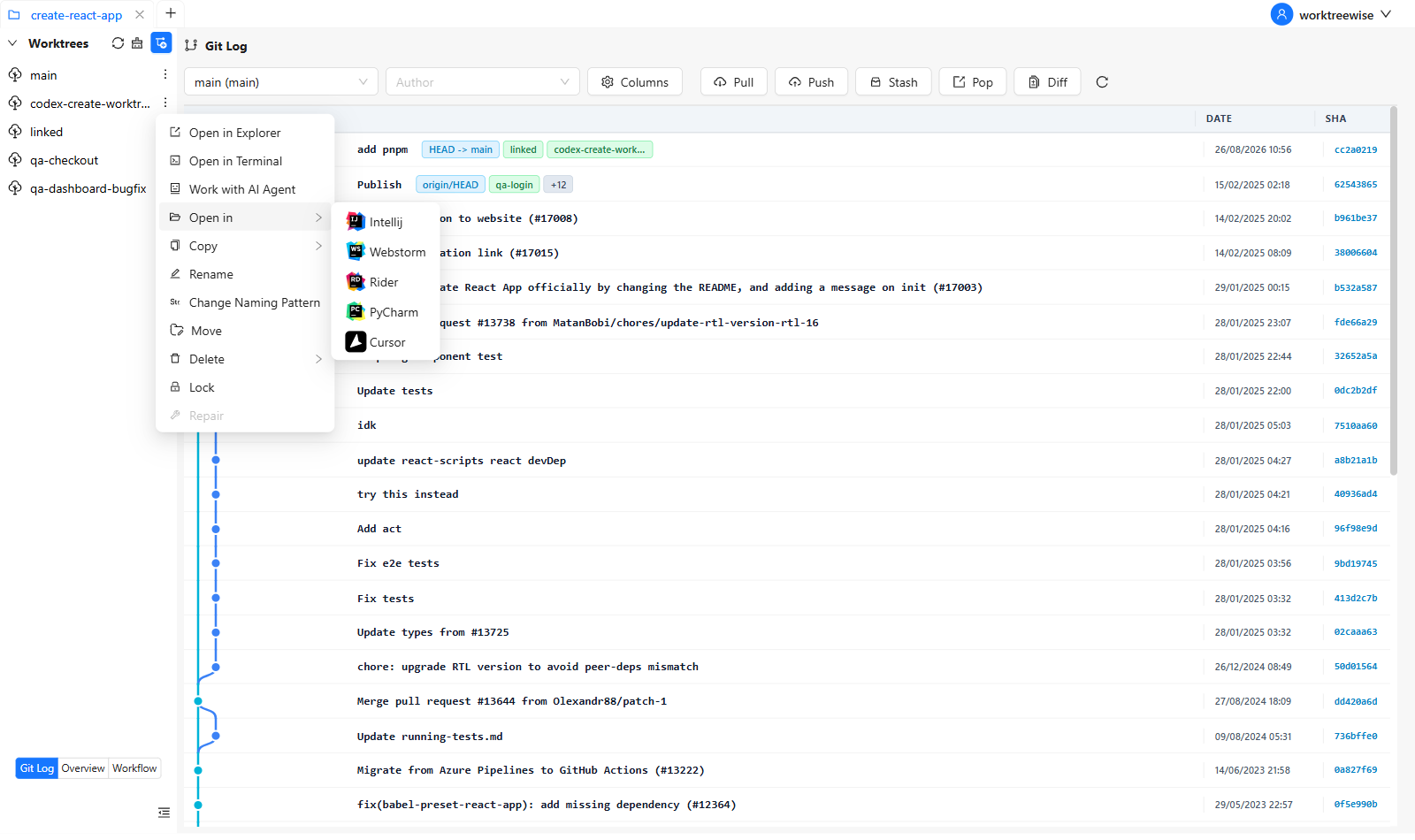
WorktreeWise allows you to open any worktree directly in your editor.
This means you can:
run the application.
test changes.
ask Claude to modify code inside that specific worktree.
Each feature stays isolated and safe from other changes.
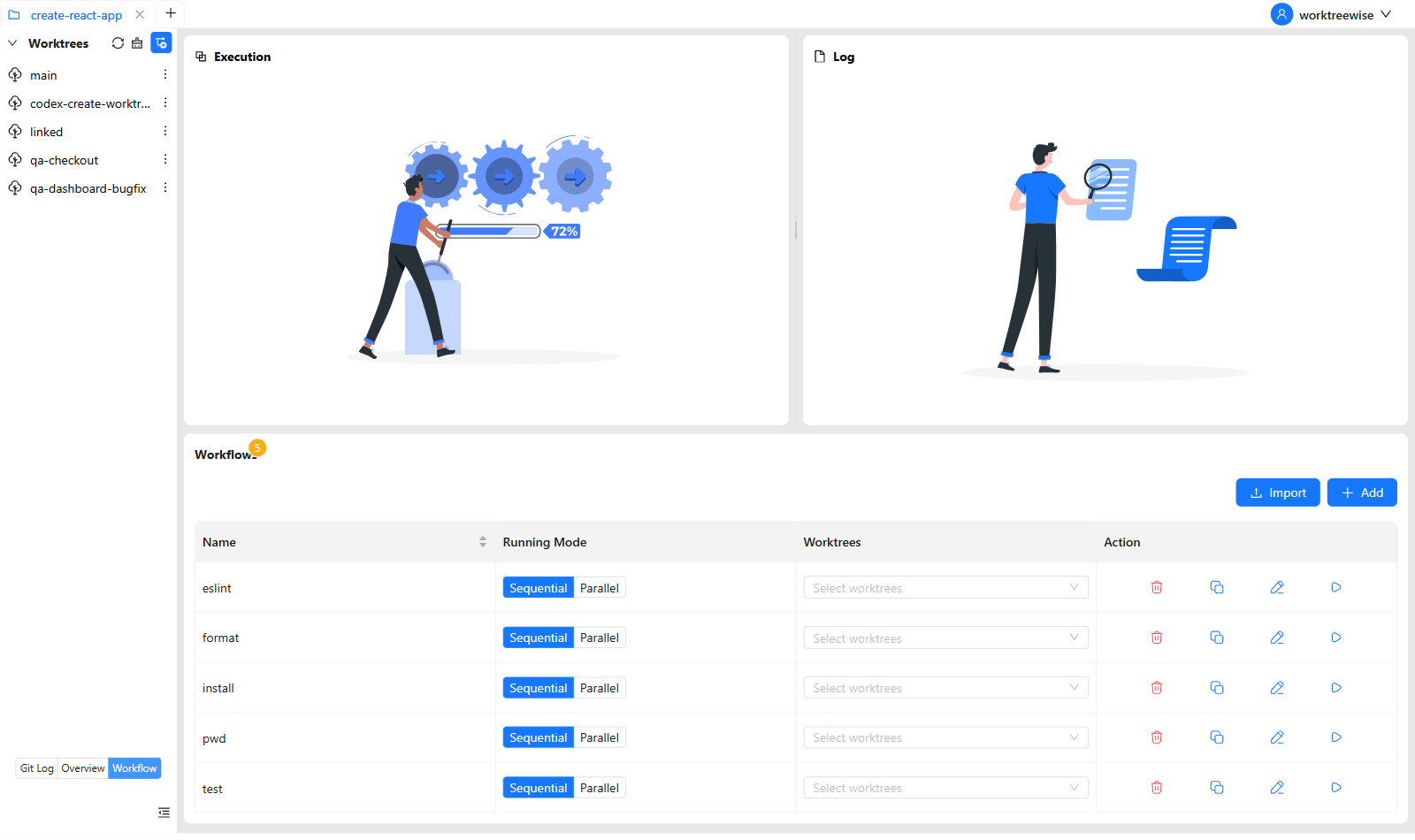
When working on multiple features, you often need to run the same commands repeatedly.
Example:
npm install
npm run lint
npm run test
WorktreeWise workflows allow you to execute commands across multiple worktrees simultaneously, saving significant time.
A growing number of developers are using Claude in a more autonomous way, often called agentic development.
Instead of small prompts, developers assign larger tasks such as:
implementing a new feature.
refactoring modules.
adding tests.
fixing multiple bugs.
Tools built around Claude may create separate Git worktrees for each task so that changes remain isolated.
When AI tools create many worktrees automatically, repositories can quickly become difficult to manage.
Example:
main/
auth-experiment/
api-pagination/
ui-redesign/
bugfix-payment/
Without proper tooling, developers must manually navigate folders, run commands in each directory, and clean up unused worktrees.
WorktreeWise shows all worktrees in one place.
Instead of running commands like:
git worktree list
you get a clear visual overview of all tasks created by AI agents.
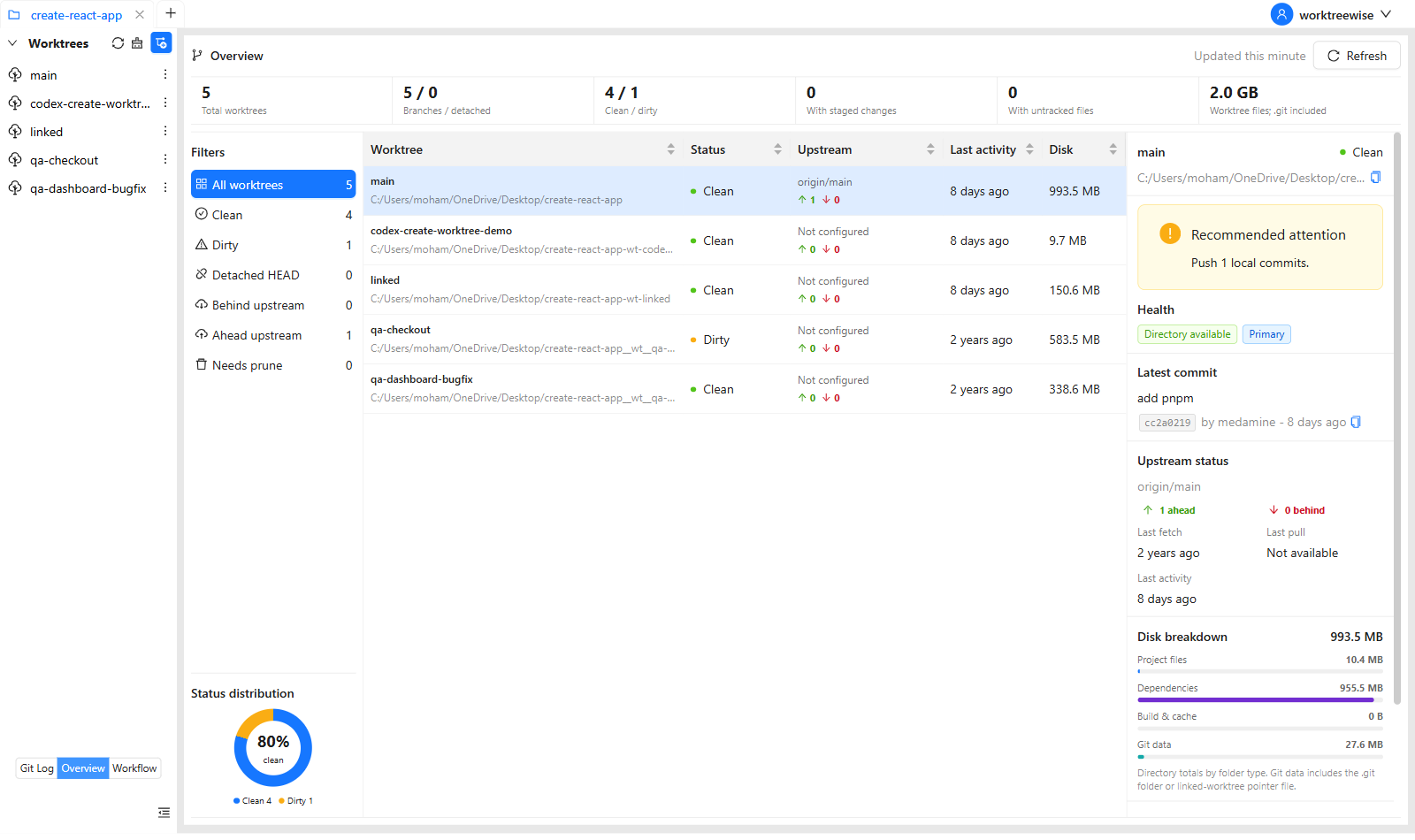
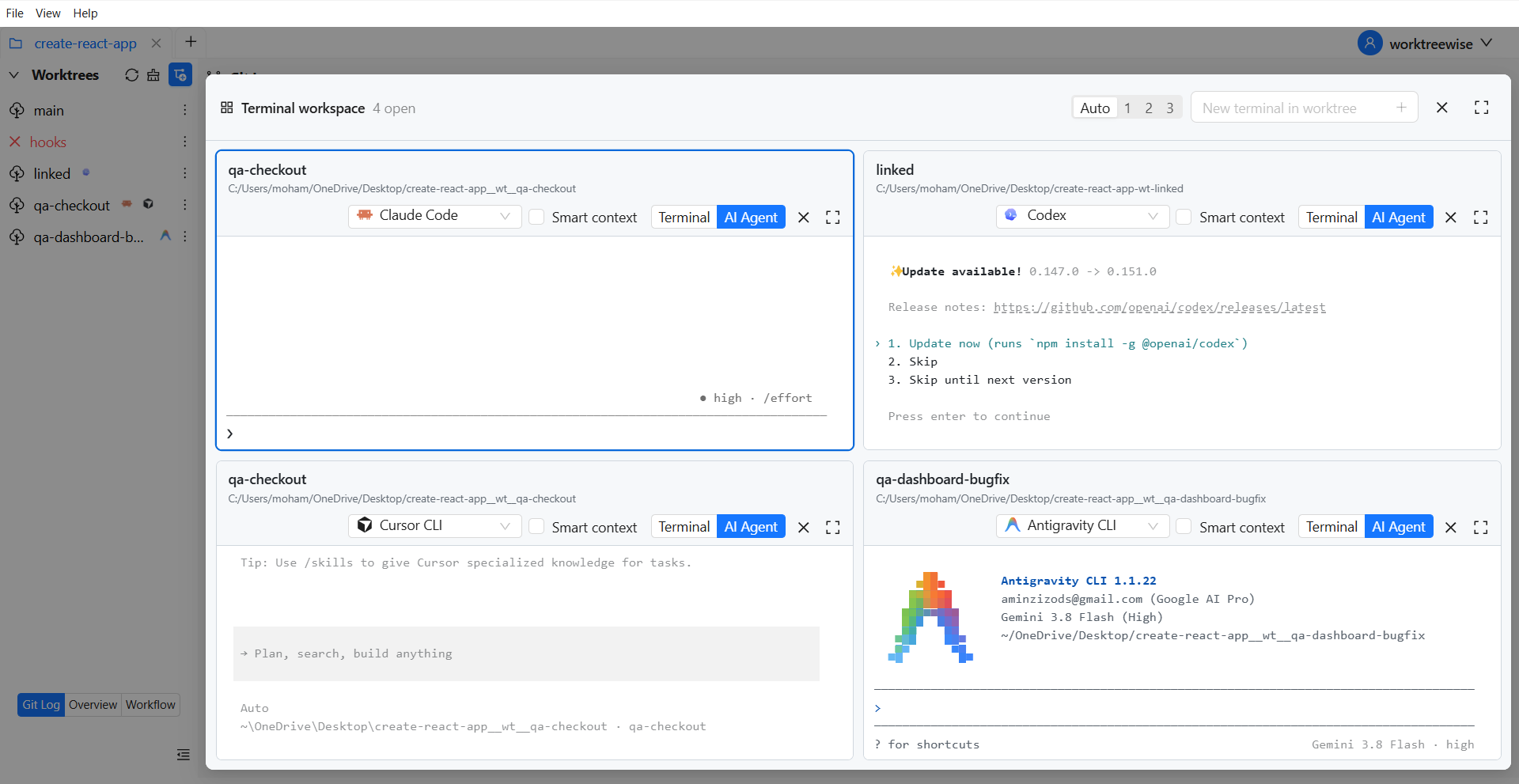
Developers can open any AI-generated worktree directly in their IDE to review and test the changes.
This makes reviewing AI-generated code much faster.
If an AI tool created multiple worktrees, you may want to run tests across all of them.
Example:
npm install
npm run build
npm run test
WorktreeWise workflows allow you to execute these commands across all worktrees simultaneously.
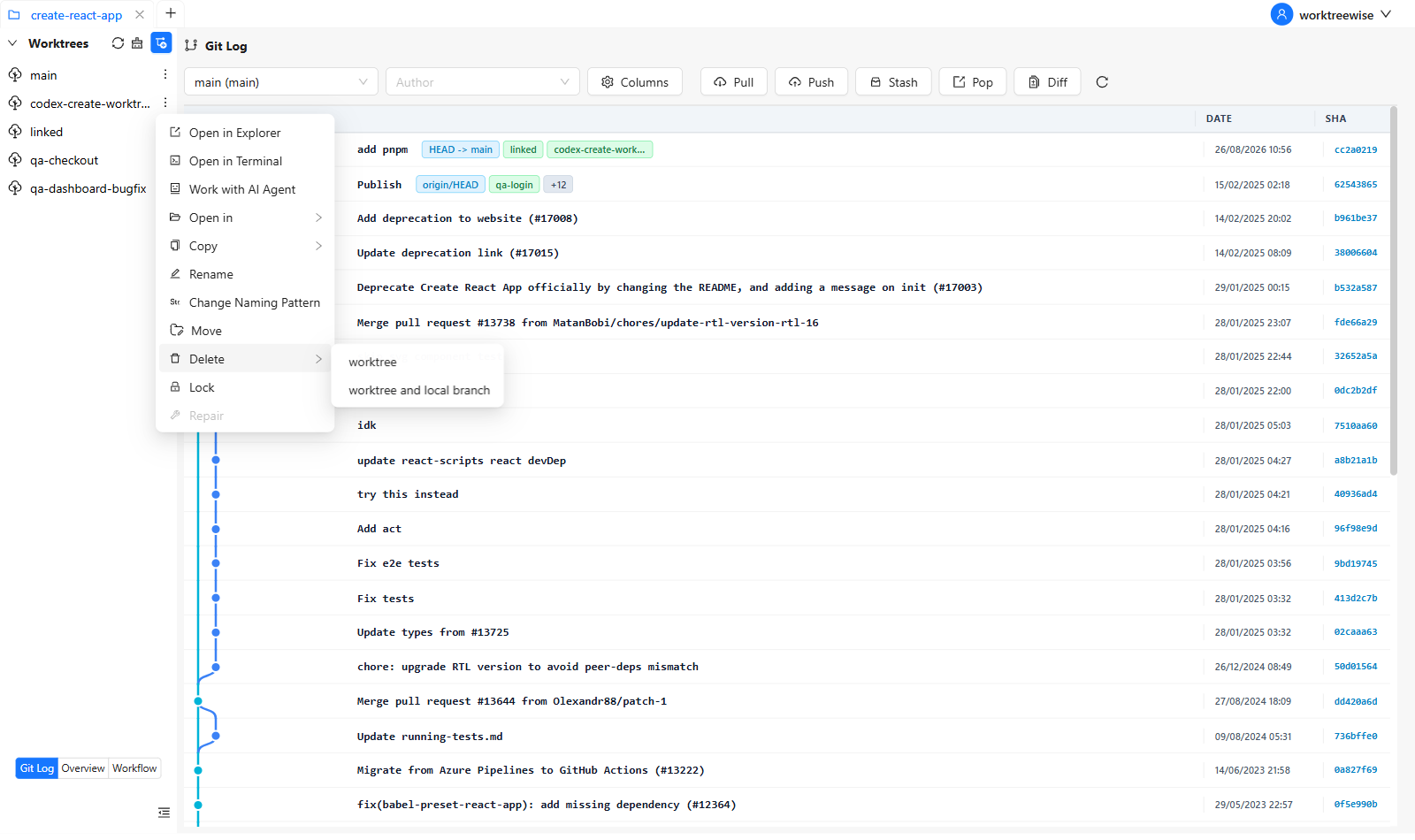
AI-generated experiments often leave behind temporary worktrees.
WorktreeWise helps detect and remove unused worktrees, keeping your repository clean.
A third workflow is becoming increasingly popular with AI coding tools.
When developers ask Claude for help with a feature, the AI often suggests multiple possible implementations.
Example prompt:
"Implement caching for this API in several ways."
Claude might suggest:
Redis caching.
in-memory caching.
database caching.
Instead of testing these approaches sequentially, developers can create separate worktrees for each implementation.
Example structure:
main/
cache-redis/
cache-memory/
cache-db/
Each worktree contains a different implementation.
WorktreeWise makes it easy to create multiple worktrees so you can test several solutions suggested by Claude.
Developers can:
run each version of the application.
test performance.
compare architecture choices.
evaluate which approach works best.
Because each experiment runs in its own worktree, you can test ideas freely without affecting the main branch.
This makes it ideal for AI-assisted experimentation.
Modern development is becoming parallel, experimental, and AI-assisted.
Developers increasingly need to manage:
multiple feature branches.
AI-generated tasks.
experimental implementations.
parallel development environments.
By combining:
Claude AI for intelligent code generation.
Git worktrees for task isolation.
WorktreeWise for managing those worktrees.
developers gain a workflow that is faster, safer, and easier to scale.
Use this sequence for every AI-assisted task:
This keeps the AI's changes isolated and gives every experiment a clear lifecycle. It also prevents two agents from unintentionally editing the same working directory.
Important: A worktree isolates files and branches, but it does not make AI-generated code trustworthy by itself. Review the diff, test the result, and inspect security-sensitive changes before merging.
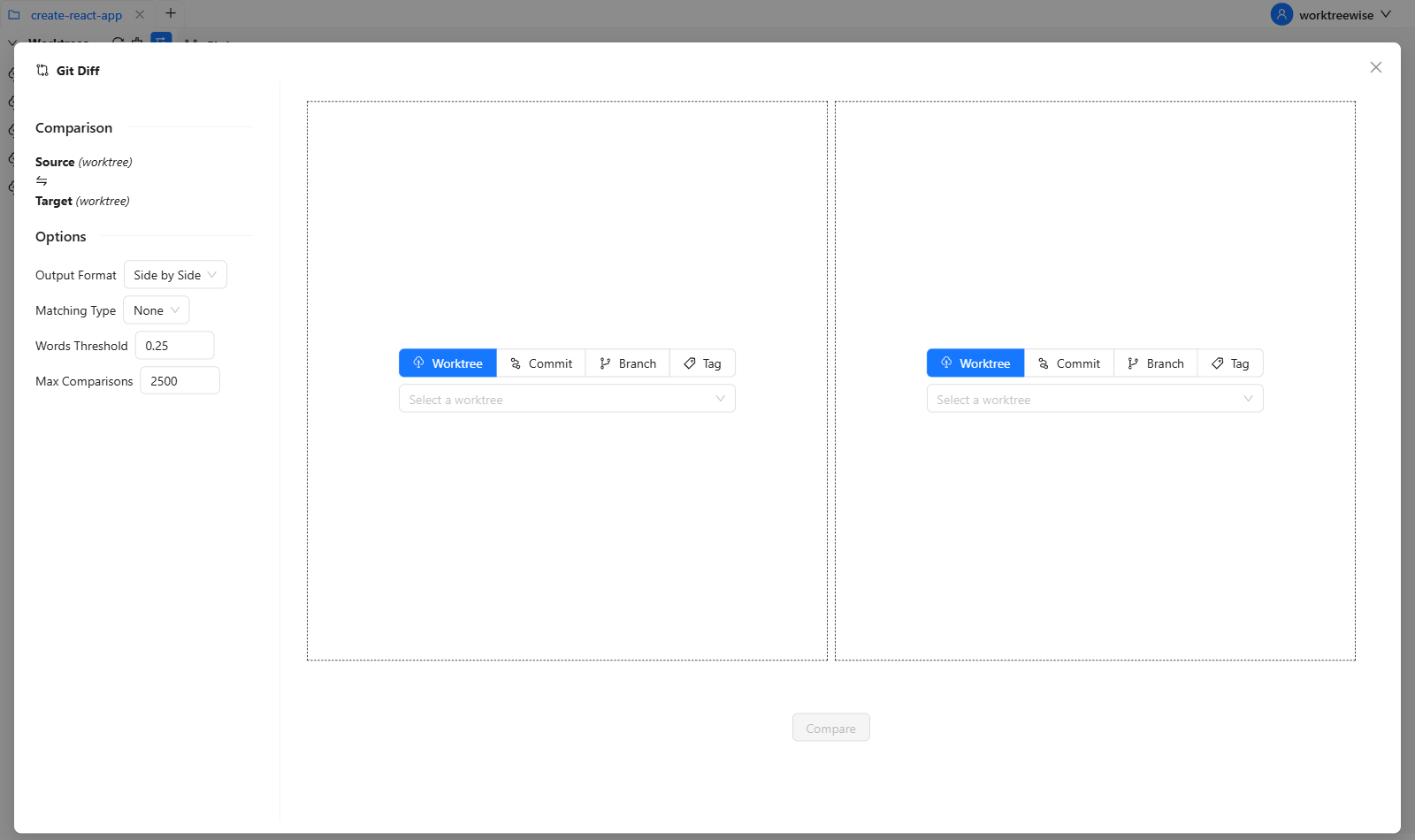
Want to reproduce this workflow visually? Create a worktree, run a reusable workflow, and inspect the Git diff in WorktreeWise.
Start a free WorktreeWise trial—no credit card required.
AI tools are accelerating software development, but they also introduce new complexity when multiple tasks and experiments run simultaneously.
Git worktrees provide the technical foundation for parallel development. WorktreeWise makes them easy to manage, whether you are:
using Claude as a coding assistant
running AI-driven development tasks
experimenting with multiple AI-generated solutions
If you want to work more efficiently with Git worktrees and AI-powered development, WorktreeWise can help you stay organized and move faster.

AMMACH MOHAMED AMINE
AMMACH MOHAMED AMINE

AMMACH MOHAMED AMINE
Still relying on Git stash? Switch to Git worktrees and handle multiple tasks without losing changes or breaking your flow.
Read articleConstantly switching branches? Discover how Git worktrees eliminate context switching and keep you in the zone.
Read articleWork on multiple features at once without switching branches. Git worktrees unlock a faster, cleaner development workflow.
Read article