

Git worktrees vs clones for AI agents
TL;DR: The 30-Second Summary
Should you use Git worktrees or separate `git clone` directories for AI coding agents? Worktrees share the local object store, create instantly, save gigabytes of disk space, and share stashes and refs. Clones offer total process isolation at the cost of duplicate storage and manual sync.
The Real-Life Scenario
“An engineering platform team evaluates whether to spin up full repository clones or lightweight Git worktrees for their automated agent fleet. Clones require downloading 4GB of history per agent, whereas worktrees provision in 200 milliseconds.”
When building infrastructure for AI coding agents, deciding between Git worktrees and multiple repository clones is a fundamental architectural choice. Both approaches provide separate directories on disk, but their underlying Git mechanics differ radically.
Storage and Synchronization Overhead
A 2GB repository cloned 5 times consumes 10GB of disk space and requires 5 separate `git fetch` operations. In contrast, 5 worktrees consume only 2.1GB and share all fetched commits instantly.
What you see in the terminal:
$ git clone https://github.com/org/huge-repo agent-5
Cloning into 'agent-5'...
Receiving objects: 100% (452,190/452,190), 2.41 GiB | 18.2 MiB/s, done. (Took 2m 14s)

$ git worktree add ../agent-5 -b agent/task-5 main
Preparing worktree (checking out 'main')
HEAD is now at 8b49e10 chore: release v1.2.0 (Took 0.3s)Under the Hood: Git Plumbing & Architecture
Worktrees share `.git/objects/`, `.git/refs/remotes/`, and `.git/config`. Clones have completely separate object stores and ref databases that must be synchronized over network protocols.
Quick Command Recipes
Copy and adapt these commands directly in your terminal:
Create instant worktree (0.3 seconds)
Reuses local objects immediately.
git worktree add ../agent-fast -b agent/fast mainInspect shared object store size
Verifies that objects are shared and not duplicated.
git count-objects -vHStep-by-Step Practical Walkthrough
Follow these verified steps to safely resolve the issue and guarantee that your filesystem and Git references are in sync.
Measure repository size
Check how much disk space a clone would duplicate.
du -sh .gitProvision via worktree
Notice near-instant creation time.
git worktree add ../agent-bench -b agent/bench mainCompare workflow ergonomics
Commits in the worktree are immediately accessible in your main repo without pushing to origin.
Comparative Feature Matrix
| Feature / Metric | Git Worktree | Separate Git Clone |
|---|---|---|
| Creation Time | < 1 second | Minutes (downloads history) |
| Disk Usage | Lightweight (shared objects) | Heavy (duplicates entire history) |
| Object Sharing | 100% shared locally | Zero (must push/pull over network) |
| Stash Sharing | Shared globally across worktrees | Completely isolated per clone |
| Branch Collision Safety | Guaranteed (cannot double-checkout) | None (can cause remote push conflicts) |
| Best Use Case | Local AI agents & parallel features | Completely untrusted sandboxes or CI |
Edge Cases & Advanced Scenarios
Fully untrusted third-party AI agents
If an AI agent executes arbitrary untrusted binaries, a separate Docker container or clone provides an extra layer of OS-level isolation.
Common Mistakes to Avoid
❌ Mistake: Creating 10 full clones of a 5GB monorepo on a 256GB laptop SSD
Why it causes trouble: Quickly exhausts disk storage and slows down IDE indexing.
What to do instead: Use Git worktrees to share the object database.
Verification Checklist
- ✓Worktrees provision in sub-second time
- ✓Disk storage remains lean across all agent workspaces
Senior Engineering Tips
- ★WorktreeWise is optimized specifically for worktree topologies, giving you visual visibility across all linked workspaces simultaneously.
Key Takeaways
- 01.Git worktrees are 10x faster to create and use 80% less disk space than clones.
- 02.Commits and stashes are shared locally across all worktrees.
- 03.Worktrees prevent accidental double-checkouts of the same branch.
How WorktreeWise Solves This Visually
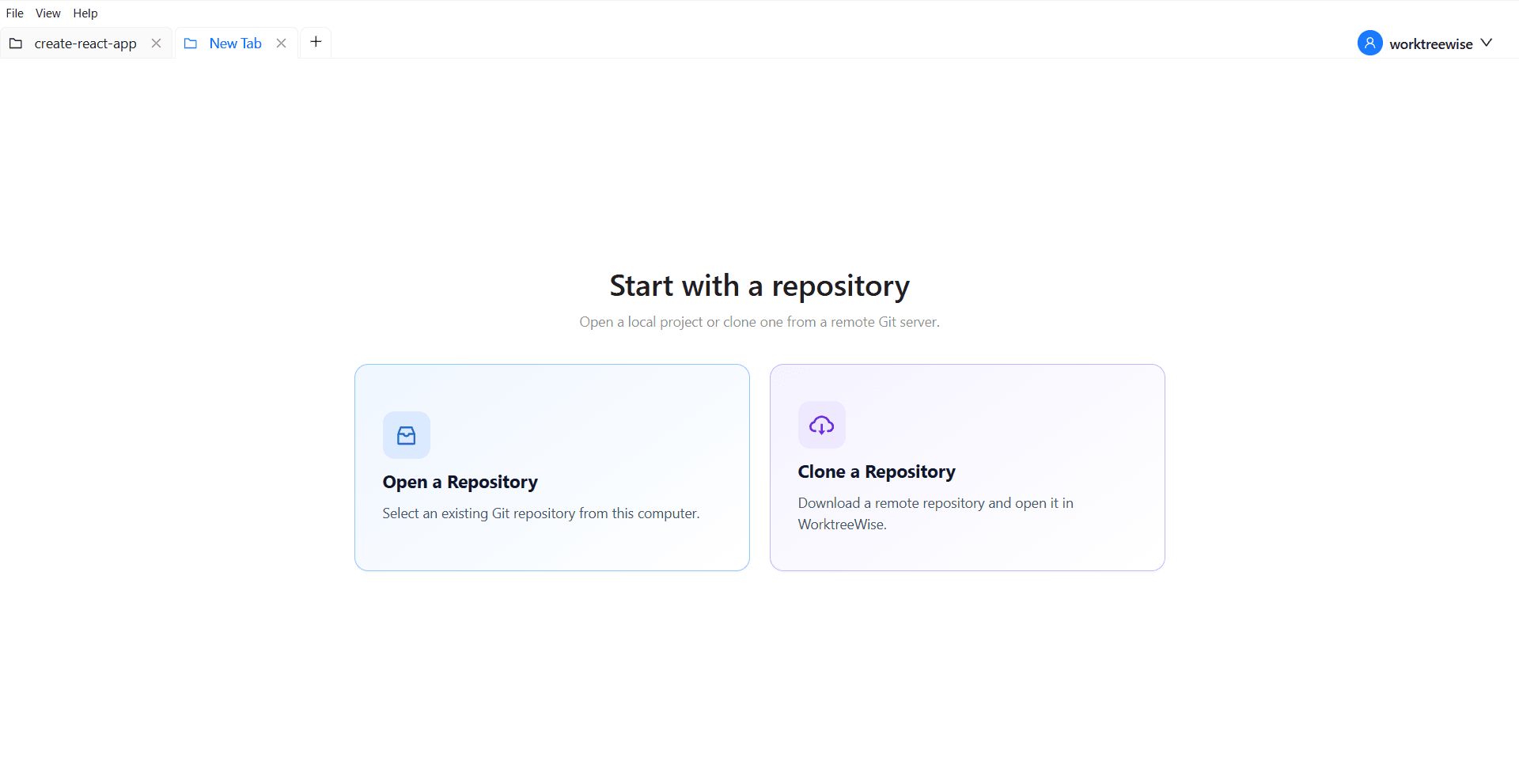
WorktreeWise eliminates the manual friction and mental overhead of CLI flags. It displays real-time branch states, uncommitted modifications, active terminals, and lock statuses across all worktrees on a single visual dashboard.
WorktreeWise Engineering Publication
Written and curated by the core WorktreeWise team. We build developer tools that turn Git worktrees, workflows, and parallel AI coding agents into second nature.