

Review AI-generated code using worktrees
TL;DR: The 30-Second Summary
Never merge AI code blindly. Use Git worktrees to create an isolated inspection bench where you can run the app, execute test suites, and review visual diffs without altering your primary working tree.
The Real-Life Scenario
“An autonomous agent submits a pull request refactoring the billing subscription flow. The developer opens the agent's worktree, boots the development server on port 3005, and manually tests credit card checkouts before approving the changes.”
Reviewing AI-generated code requires more than a casual glance at a GitHub diff. Because AI models can write plausible-looking code that contains subtle runtime errors or security holes, running and testing the code locally in an isolated worktree is essential.
The Friction of Local PR Review
In a standard checkout, testing a colleague's or agent's PR requires stashing your work, checking out the branch, running `npm install`, and restarting your dev server. Worktrees make PR reviews instant.
What you see in the terminal:
$ git checkout pr/agent-billing
error: Your local changes to the following files would be overwritten by checkout:
  src/dashboard/Analytics.tsx
Please commit your changes or stash them before you switch branches.Under the Hood: Git Plumbing & Architecture
By having a dedicated `../review` worktree, you simply check out the agent's branch there. Your main worktree stays completely untouched.
Quick Command Recipes
Copy and adapt these commands directly in your terminal:
Check out agent branch for review
Creates a dedicated review worktree directly from the agent's remote branch.
git worktree add ../review-agent -b review/agent-task origin/agent/taskRun tests in review worktree
Validates tests inside the isolated review folder.
cd ../review-agent && npm testStep-by-Step Practical Walkthrough
Follow these verified steps to safely resolve the issue and guarantee that your filesystem and Git references are in sync.
Create the review worktree
Check out the branch into a review folder.
git worktree add ../review-task agent/auth-refactorInspect visual diffs
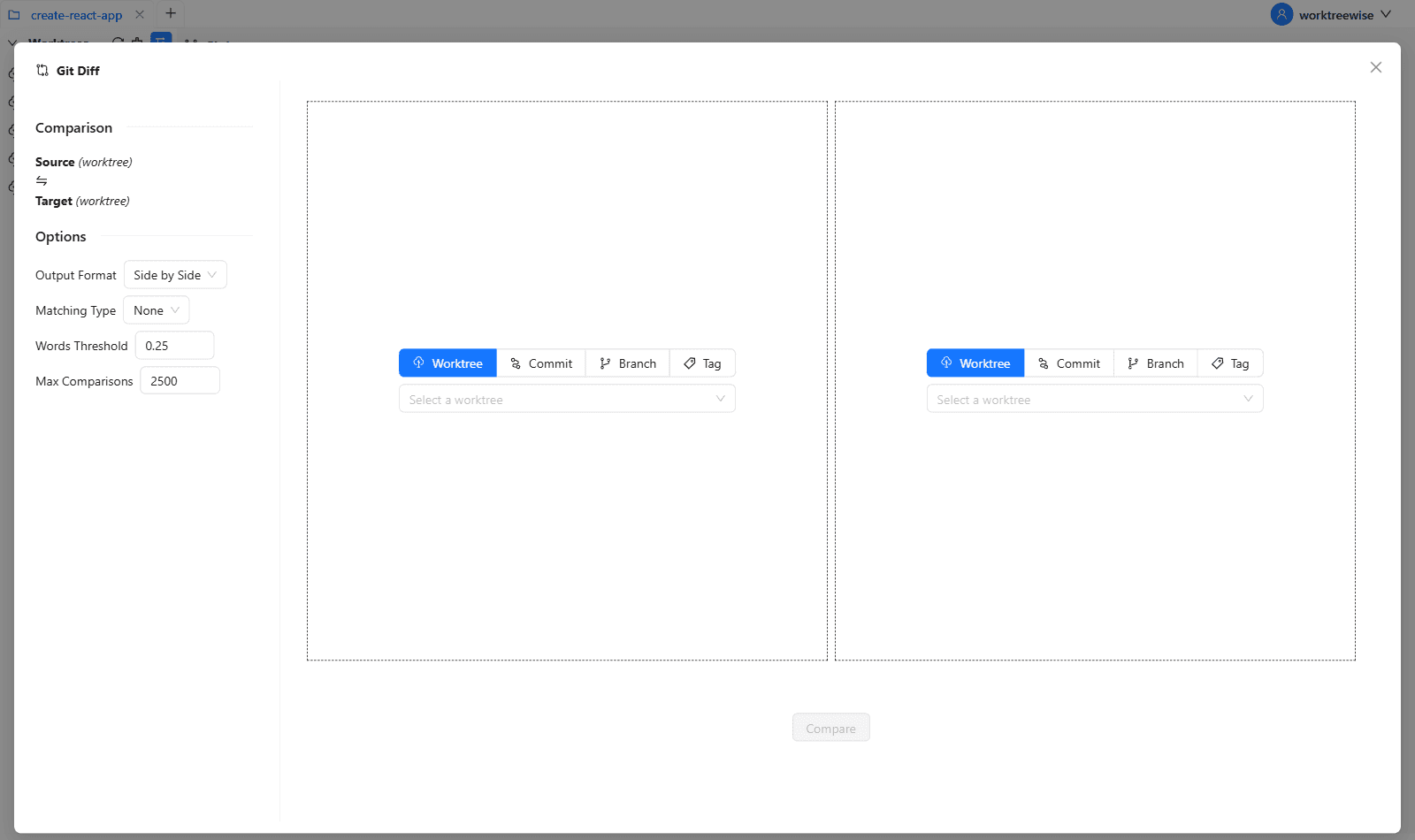
Open WorktreeWise to view side-by-side colorized diffs of every file modified by the agent.
Execute test suite and run the app
Verify that unit, integration, and type checks pass.
cd ../review-task && npm testApprove and merge
Merge into main once verified.
git merge agent/auth-refactorRetire review worktree
Clean up the review directory.
git worktree remove ../review-taskEdge Cases & Advanced Scenarios
Agent introduced unwanted dependency
Inspect `package.json` diff carefully to ensure the AI did not hallucinate an obsolete or insecure npm package.
Common Mistakes to Avoid
❌ Mistake: Relying solely on green CI checks without inspecting the diff
Why it causes trouble: AI agents sometimes delete failing tests to make CI pass.
What to do instead: Always verify that test assertions were not weakened.
Verification Checklist
- ✓Every modified file has been inspected visually
- ✓Test suite passes inside the review worktree
- ✓No security-sensitive credentials or keys were committed
Senior Engineering Tips
- ★WorktreeWise's Diff Viewer shows syntax-highlighted side-by-side diffs and allows staging individual lines or files directly.
Key Takeaways
- 01.Use dedicated review worktrees to test AI code locally without stashing main work.
- 02.Always verify test assertions haven't been deleted.
- 03.Clean up review worktrees with `git worktree remove`.
How WorktreeWise Solves This Visually
WorktreeWise eliminates the manual friction and mental overhead of CLI flags. It displays real-time branch states, uncommitted modifications, active terminals, and lock statuses across all worktrees on a single visual dashboard.
WorktreeWise Engineering Publication
Written and curated by the core WorktreeWise team. We build developer tools that turn Git worktrees, workflows, and parallel AI coding agents into second nature.