

One worktree per AI agent
TL;DR: The 30-Second Summary
Establish the golden rule of AI engineering: 1 Agent = 1 Worktree = 1 Dedicated Branch. This clean architectural separation ensures auditability, prevents file clobbering, and makes discarding bad AI output effortless.
The Real-Life Scenario
“An enterprise engineering team institutes an AI coding policy. To prevent developers from committing unreviewed agent output directly to master, they standardize on the 'One Worktree Per Agent' pattern across all repositories.”
As AI coding agents become permanent fixtures in software engineering, teams need clear operational rules. The 'One Worktree Per Agent' architecture is the simplest, most effective pattern for maintaining clean Git history and bulletproof security boundaries.
The Chaos of Ad-Hoc AI Execution
When developers run AI agents across random local branches, unreviewed code sneaks into commits, and dirty tree states make troubleshooting impossible.
What you see in the terminal:
Git log:
commit 48a1b2: human edit
commit 91c4d2: AI generated fix (untested)
commit 11b3e4: human edit fixing AI bugUnder the Hood: Git Plumbing & Architecture
Isolating each agent in its own worktree ensures that all agent commits are quarantined to an `agent/*` branch until verified by automated tests and human review.
Quick Command Recipes
Copy and adapt these commands directly in your terminal:
Standard worktree creation pattern
Enforces consistent directory naming and branch tracking.
git worktree add ../agent-<ticket-id> -b agent/<ticket-id> mainStep-by-Step Practical Walkthrough
Follow these verified steps to safely resolve the issue and guarantee that your filesystem and Git references are in sync.
Standardize naming conventions
Use `../agent-<name>` for folders and `agent/<name>` for branches.
Provision dedicated workspace
Launch the agent strictly within this boundary.
git worktree add ../agent-login -b agent/login mainEnforce review before merge
Never push directly from an agent worktree without verification.
Edge Cases & Advanced Scenarios
Automated cleanup scripts
Set up a daily cron or Git hook that runs `git worktree prune` to clean up merged agent worktrees.
Common Mistakes to Avoid
❌ Mistake: Reusing the same agent worktree for multiple unrelated tasks
Why it causes trouble: Leftover artifacts from task A bleed into task B.
What to do instead: Discard and recreate a fresh worktree for every new objective.
Verification Checklist
- ✓Every active agent has a 1:1 mapping to an isolated worktree folder
- ✓All agent worktrees branch off verified base commits
Senior Engineering Tips
- ★WorktreeWise lets you define templates for new worktrees with pre-configured hooks and shell environments.
Key Takeaways
- 01.1 Agent = 1 Worktree = 1 Branch is the gold standard for AI development.
- 02.Quarantines agent changes until reviewed.
- 03.Allows instantaneous cleanup without repository pollution.
How WorktreeWise Solves This Visually
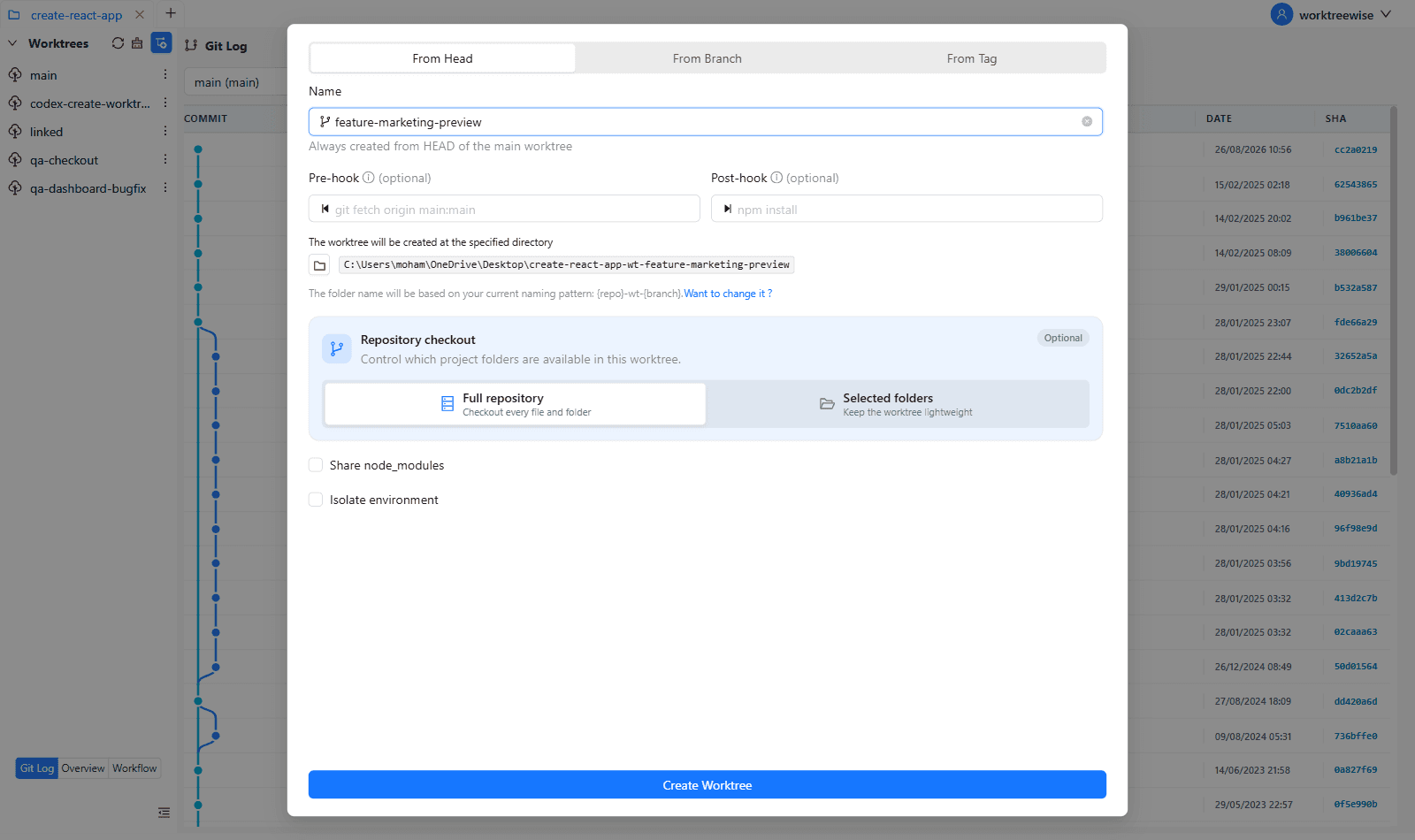
WorktreeWise eliminates the manual friction and mental overhead of CLI flags. It displays real-time branch states, uncommitted modifications, active terminals, and lock statuses across all worktrees on a single visual dashboard.
WorktreeWise Engineering Publication
Written and curated by the core WorktreeWise team. We build developer tools that turn Git worktrees, workflows, and parallel AI coding agents into second nature.