

Avoid merge conflicts between agents
TL;DR: The 30-Second Summary
Prevent painful Git merge conflicts between parallel AI agents by partitioning code along architectural boundaries, rebasing agent branches frequently against main, and using semantic diff reviews.
The Real-Life Scenario
“Two agents are instructed to improve the app: Agent 1 refactors the backend user model, while Agent 2 refactors auth middleware. Because both agents modified the exact same interface declaration in `types/user.ts`, merging produces a 50-line conflict block.”
AI agents code fast—generating hundreds of lines in seconds. When multiple agents touch the same files concurrently, merge conflicts become inevitable unless you implement proactive architectural partitioning.
Why AI Merge Conflicts are Harder than Human Conflicts
AI agents frequently reorder imports, reformat whitespace, and rewrite helper functions. When two agents format the same file differently, Git flags conflicts across the entire file.
What you see in the terminal:
CONFLICT (content): Merge conflict in src/services/auth.ts
Automatic merge failed; fix conflicts and then commit the result.Under the Hood: Git Plumbing & Architecture
Git's merge algorithm uses 3-way merge (`diff3`). If both branches modify lines from the same base commit, Git cannot automatically choose which modification wins. Minimizing overlapping file edits is the only true prevention.
Quick Command Recipes
Copy and adapt these commands directly in your terminal:
Rebase agent branch onto latest main
Keeps the agent branch updated with recently merged changes.
git -C ../agent-ui rebase mainPreview conflicts before merging
Detects conflicts programmatically without touching your active working tree.
git merge-tree $(git merge-base main agent/ui) main agent/uiStep-by-Step Practical Walkthrough
Follow these verified steps to safely resolve the issue and guarantee that your filesystem and Git references are in sync.
Partition agent assignments by directory
Assign Agent A strictly to `src/api/` and Agent B strictly to `src/components/`.
Rebase frequently
Whenever an agent finishes and merges, rebase all remaining active agent worktrees onto the new main commit.
git -C ../agent-2 rebase mainUse consistent auto-formatting
Enforce identical Prettier/Biome formatting rules so agents don't battle over code styles.
Edge Cases & Advanced Scenarios
Lockfile merge conflicts
If both agents install packages, regenerate the lockfile cleanly after merging rather than resolving lockfile diffs manually.
Common Mistakes to Avoid
❌ Mistake: Letting an agent branch live for multiple days without updating from main
Why it causes trouble: Diverges heavily from main, making eventual integration difficult.
What to do instead: Keep agent tasks short (under 2 hours) and integrate immediately.
Verification Checklist
- ✓Agent tasks touch disjoint sets of files
- ✓`git merge-base` shows agents branched from recent commits
Senior Engineering Tips
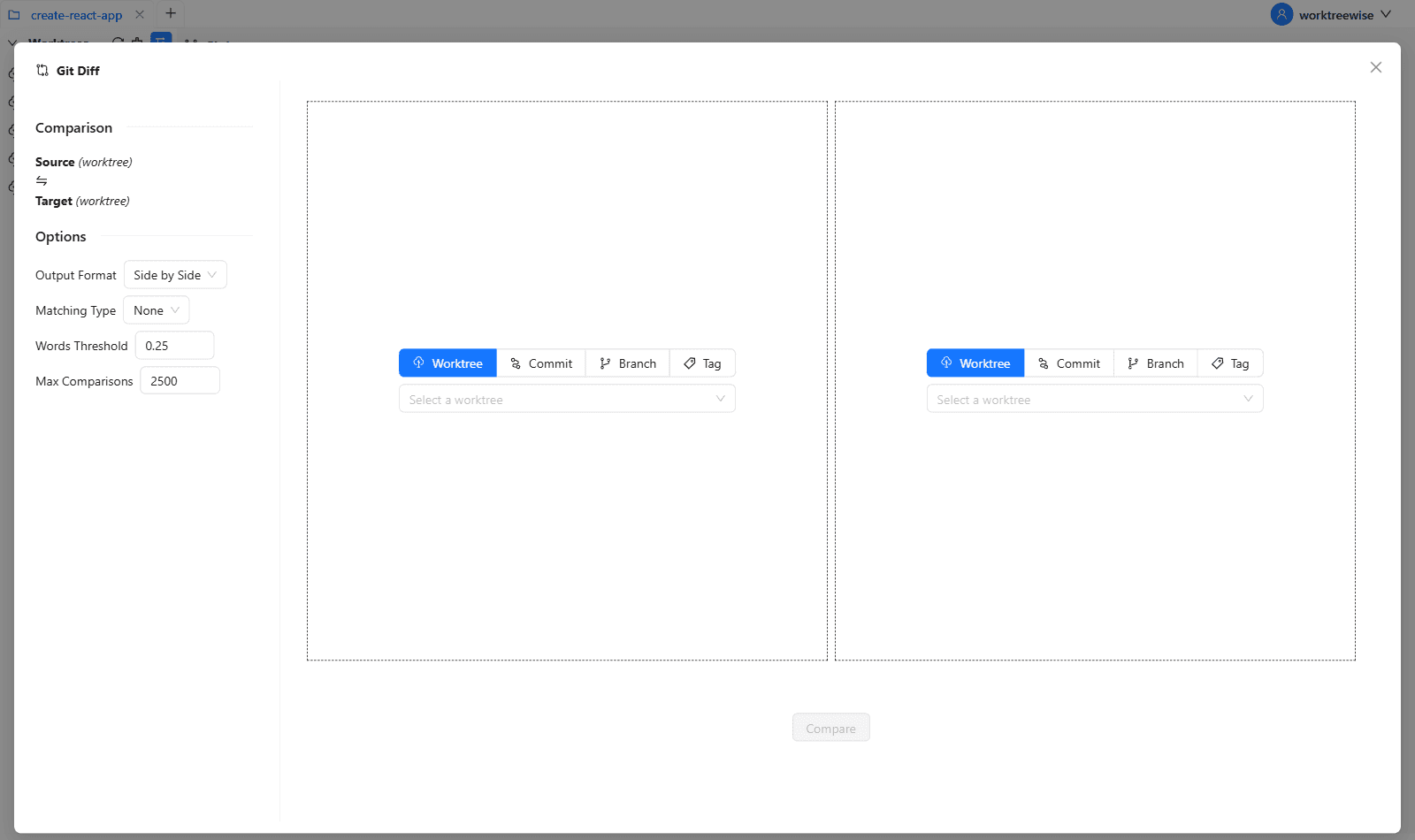
- ★WorktreeWise's visual diff tool highlights changed files across all active worktrees so you can spot overlapping file edits before they conflict.
Key Takeaways
- 01.Partition agent tasks along clear architectural boundaries.
- 02.Enforce universal formatters to prevent styling conflicts.
- 03.Keep agent tasks small and rebase frequently.
How WorktreeWise Solves This Visually
WorktreeWise eliminates the manual friction and mental overhead of CLI flags. It displays real-time branch states, uncommitted modifications, active terminals, and lock statuses across all worktrees on a single visual dashboard.
WorktreeWise Engineering Publication
Written and curated by the core WorktreeWise team. We build developer tools that turn Git worktrees, workflows, and parallel AI coding agents into second nature.