

Git Worktree Remove - Clean Up Worktrees Without Breaking Your Repo
Learn how to use git worktree remove safely and effectively. Practical examples, common mistakes, and best practices for managing multiple worktrees.
Read article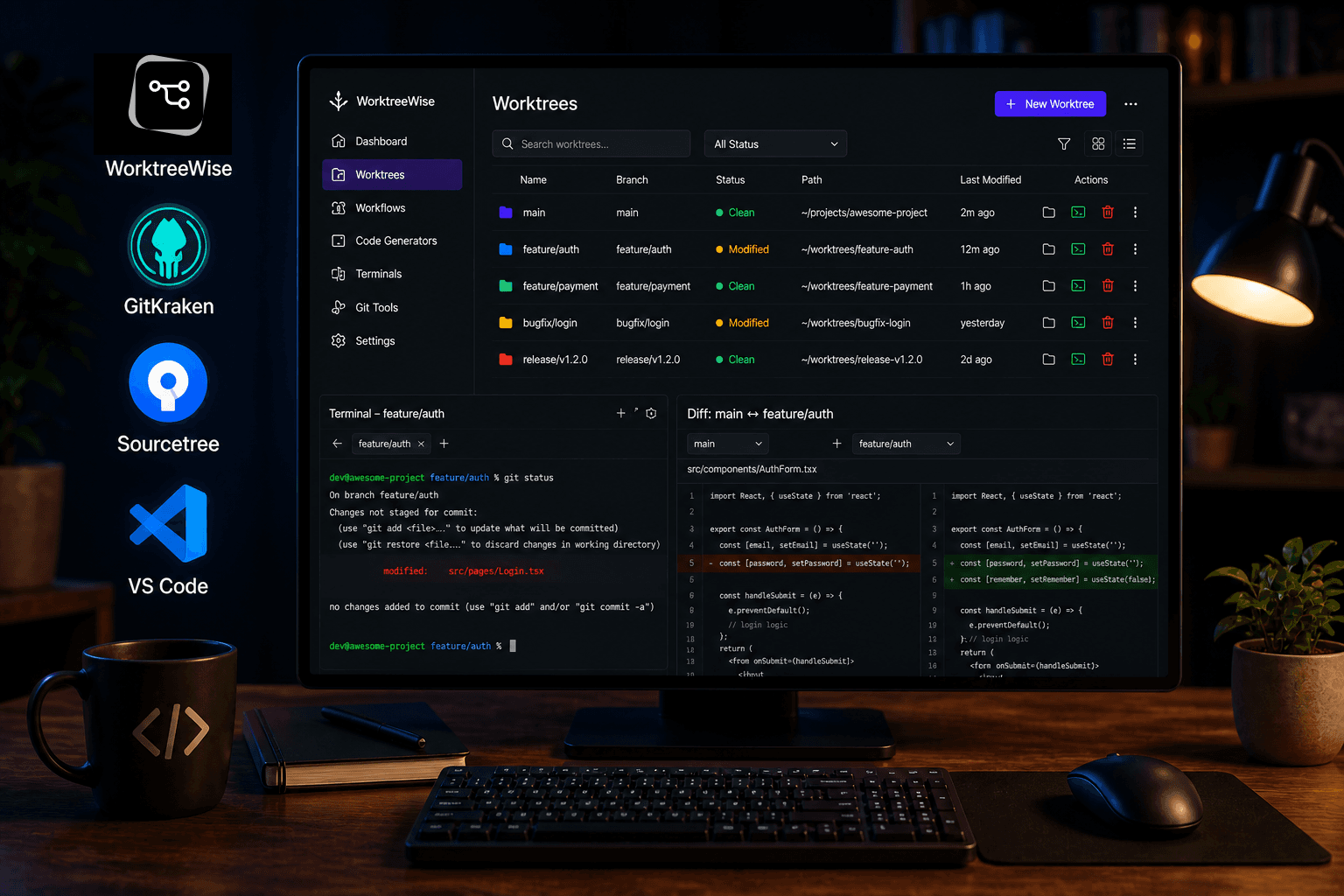
28 Apr 2026
5 min read
Git worktrees are one of the most underused productivity features in modern development. If you're still juggling branches with constant checkouts, you're losing time.
With git worktree, you can have multiple branches checked out simultaneously in separate folders no stashing, no switching, no context loss.
But there’s a catch.
Using worktrees via CLI alone quickly becomes messy at scale. Managing paths, cleaning stale worktrees, and coordinating workflows across them is not trivial.
That’s where Git worktree GUI tools come in.
This guide compares the best Git worktree GUI tools in 2026, helping you choose the right one for your workflow.
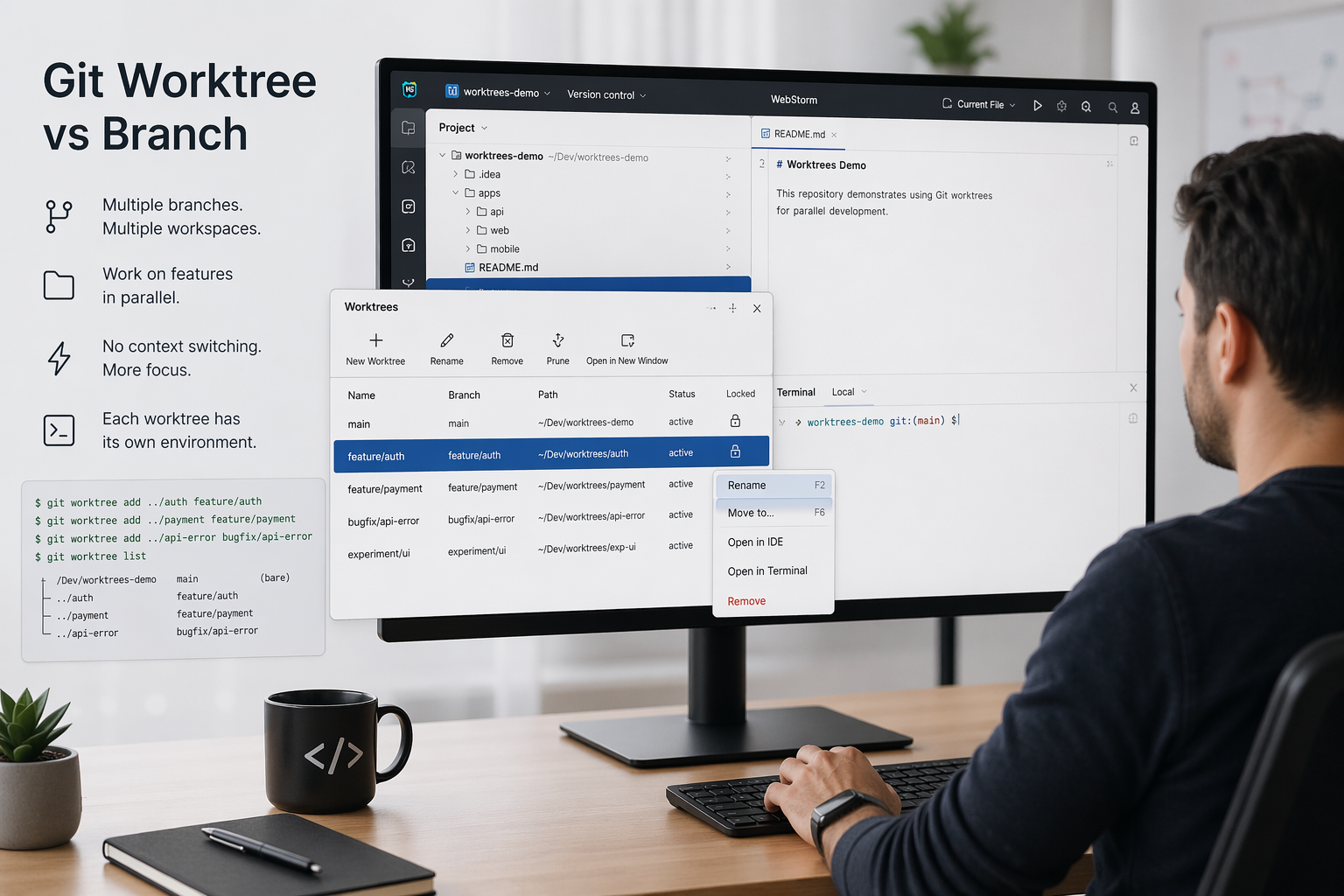
A Git worktree allows you to check out multiple branches from the same repository into separate directories.
Basic example:
git worktree add ../feature-login feature/login
Now you have:
No switching required.
While CLI works, GUIs solve real problems:
If you use more than 2 worktrees regularly, a GUI becomes less of a luxury and more of a necessity.
Best for: Developers who want full control and automation
WorktreeWise is purpose-built for Git worktrees. It goes beyond simple management and introduces workflow automation and developer tooling integration.
Key Features
Example Workflow
Instead of doing this manually:
git worktree add ../feature-a feature/a
cd ../feature-a
npm install
npm run dev
You define a workflow once and run it across all worktrees instantly.
Pros
Cons
Best for: Visual Git users
GitKraken introduced limited support for worktrees in recent versions.
Features
Limitations
Verdict
Good UI, but not optimized for heavy worktree usage.
Best for: Lightweight Git management
Sourcetree remains a popular free Git GUI, but worktree support is minimal.
Features
Limitations
| Tool | Worktree management | Automation | IDE integration | Multi-worktree operations |
|---|---|---|---|---|
| WorktreeWise | Full | Yes | Yes | Yes |
| GitKraken | Partial | No | Yes | Limited |
| Sourcetree | None | No | No | No |
Comparison methodology: features were evaluated from public documentation and product experience in April 2026. Verify current platform, pricing, and feature availability before choosing a tool.
Forgetting to prune worktrees
git worktree prune
Old worktrees can accumulate and break your repo state.
Using inconsistent naming
Bad:
   - feature1
   - test-final
   - fix123
Good:
   - feature/login
   - fix/payment-bug
   - experiment/ui-redesign
Mixing environments across worktrees
Each worktree may require:
npm installNot automating this leads to inconsistencies.
Deleting folders manually
Never do:
rm -rf ../feature-a
Always use:
git worktree remove ../feature-a
Not leveraging parallel workflows
Worktrees shine when used together:
  - feature/*
  - fix/*
  - chore/*
  - repo/
  - worktrees/
Automate setup steps
Instead of repeating:
npm install
npm run dev
Automate it once.
Use IDE integration
Opening worktrees directly in your IDE saves time and preserves configuration.
Regular cleanup
git worktree prune
Or automate it.
WorktreeWise eliminates the friction points that developers hit with Git worktrees.
No More Manual Commands
Instead of remembering:
git worktree add ../feature-a feature/a
git worktree remove ../feature-a
git worktree prune
Everything is handled through a UI.
Built-In Workflows
You can define workflows like:
   - Install dependencies
   - Start dev servers
   - Run tests
Then execute them:
IDE Integration
Open any worktree instantly in:
With preserved configuration.
Smart Worktree Management
Visual Git Operations
Use a GUI if:
Stick to CLI if:
Git worktrees are a powerful feature but without the right tooling, they can become difficult to manage.
In 2026, the difference between average and high-performing developers often comes down to workflow efficiency.
If you rely heavily on parallel development, feature isolation, or complex Git workflows, a dedicated Git worktree GUI is no longer optional.
WorktreeWise stands out by not only managing worktrees, but transforming how you work with them through automation, integration, and scalability.

AMMACH MOHAMED AMINE
AMMACH MOHAMED AMINE

AMMACH MOHAMED AMINE
Learn how to use git worktree remove safely and effectively. Practical examples, common mistakes, and best practices for managing multiple worktrees.
Read articleUnderstand the real difference between git worktree and branch, when to use each, and how to optimize your workflow for parallel development.
Read articleLearn how to use git worktree prune to remove stale worktree references, fix broken states, and maintain a clean and efficient Git workflow.
Read article